Quick Summary
In real orders, OEM work usually includes logo, front panel marking, label, box, manual, datasheet, model code, barcode, default settings, packing method, and approved document versions. OEM work for a BACnet thermostat should not start with adding every attractive function. It should start from a stable product version, then turn that version into a sellable, installable, and repeatable product for distributors, contractors, BMS integrators, and project buyers.
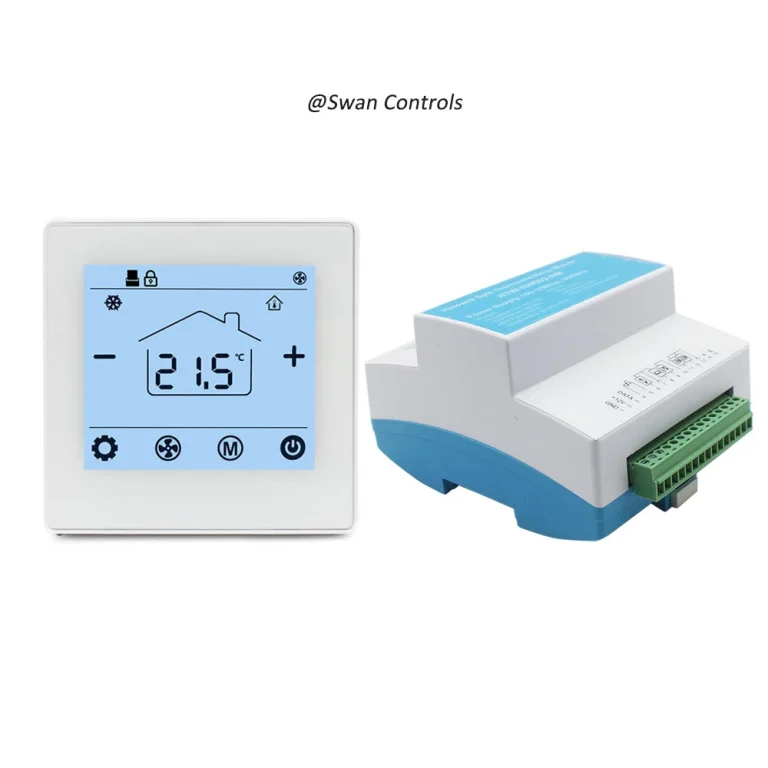
At Swan Controls, our “BACnet thermostat” refers to a fan coil thermostat with BACnet communication, not as a general smart home device. The control platform must already fit the FCU project before branding starts. After that, OEM preparation should make the product easier to sell, install, and reorder. If the customer needs new firmware, new housing, special BMS mapping, or a new control sequence, that should be discussed as deeper customisation, not normal OEM branding.
What OEM Really Means for a BACnet Thermostat
OEM is a practical business process. It helps a customer sell a mature product under their own brand and prepare it for their local market. In HVAC control projects, OEM is not only a logo on the front panel. It is a full preparation system around product identity, sales documents, installation documents, labels, packing, and repeat production.
This matters because a BACnet thermostat usually goes into project channels. The people involved may include importers, distributors, hotel contractors, office building contractors, installers, and BMS teams. Each group looks at the product from a different angle. A distributor needs a clear product name and datasheet. An installer needs a wiring diagram and terminal label. A BMS engineer needs a point list and communication setting notes. A warehouse needs correct carton labels and model codes.
If these items are not prepared before bulk orders, the product may still work, but the market side becomes harder. Sales teams may describe the wrong version. Installers may connect the wrong terminal. The after-sales team may receive repeated questions that a clearer manual could prevent.
For this reason, this guide treats OEM as a way to make a proven room thermostat ready for private label sales, project delivery, and repeat orders. It does not treat OEM as a promise to redesign every function. That difference protects both the buyer and the manufacturer.
Start From a Stable Version, Then Build the OEM Package
Before OEM details are discussed, both sides need to confirm the basic product version. This is the platform confirmation stage. It should happen before logo, box design, panel marking, or manual artwork. A BACnet thermostat is still used for FCU control, with communication added for building management. The product must match the required 2-pipe or 4-pipe system, fan type, valve output, power supply, and installation style.
Once the product version is confirmed, the main work can move to OEM. The customer and manufacturer can then discuss brand logo, model name, label format, document language, product photos, datasheet structure, box design, carton label, default parameters, and sample approval rules.
This order avoids a common mistake: designing the box first, then finding that the project needs another output, communication version, or document package. A short platform confirmation keeps the OEM process clean. It also helps the sales team understand where each model sits in the wider product family.
For example, a simple FCU project may only need a standalone controller. A light apartment or office project may need WiFi or Modbus. A larger BMS project usually needs a dedicated BACnet platform. When this product base is clear, OEM work becomes much easier.
Product Family View for Sales and OEM Planning
The table below shows the product base before branding work starts. It is not meant to push every model into one order. It helps both sides see the platform clearly: standalone models fit basic projects, WiFi or Modbus models fit connected room control, and the BACnet range fits larger BMS projects. For many OEM customers, this table also helps decide which model should become the main private label product.
| Model | Product Base | Typical OEM Position |
|---|---|---|
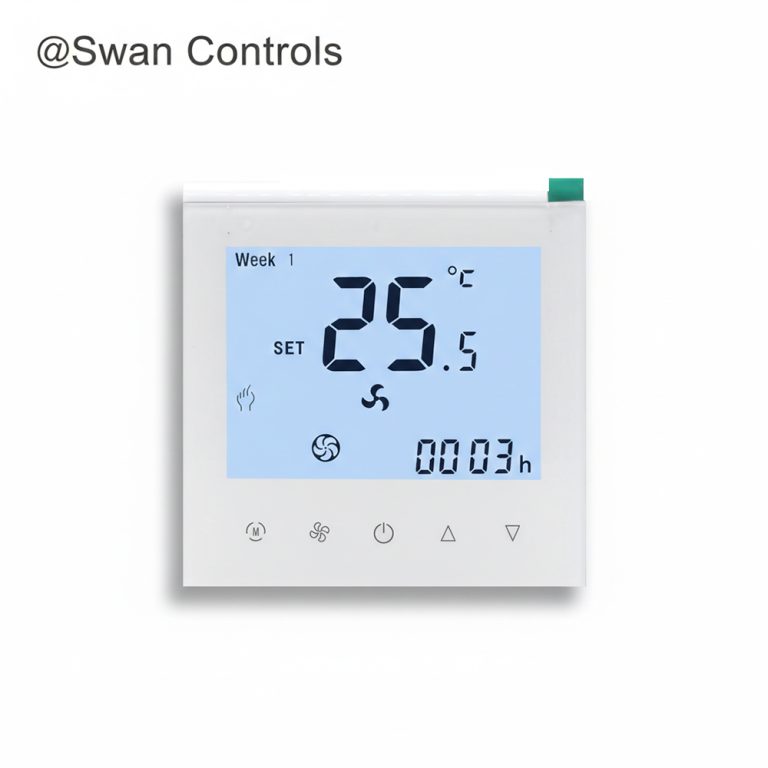
| HTW-WF11-FC-2 | 3-speed fan, 2-pipe on/off valve control, programmable | Basic private label model for standard FCU projects |
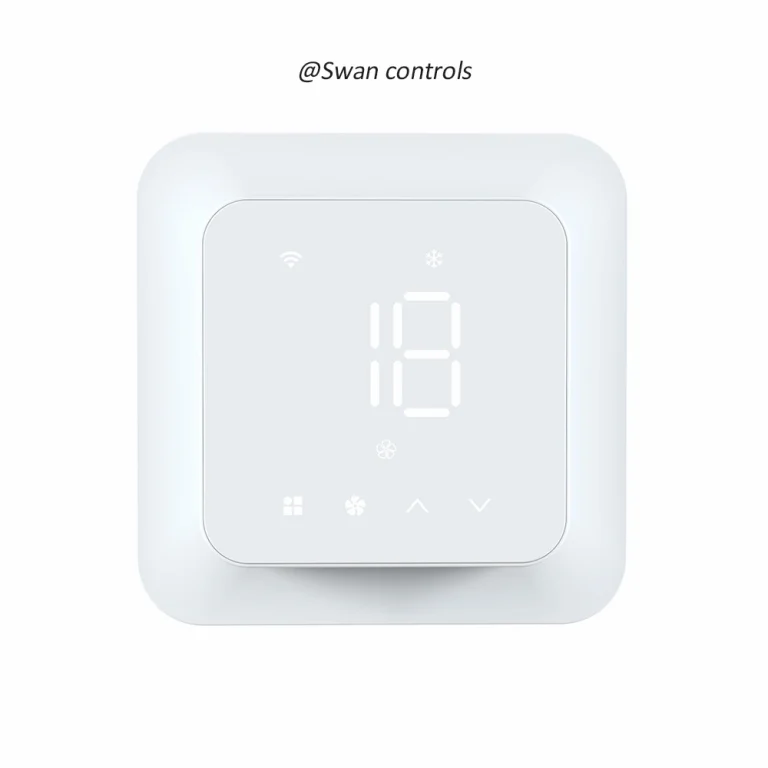
| HTW-WF11-FC-4ENS1W | 3-speed fan, 2/4-pipe on/off valve control, Modbus, WiFi | Connected model for projects needing app access and RS485 communication |
| HTW-WF11-FC-KB | BACnet 2/4-pipe FCU thermostat with optional keycard | Hotel and project model where occupancy logic may be required |
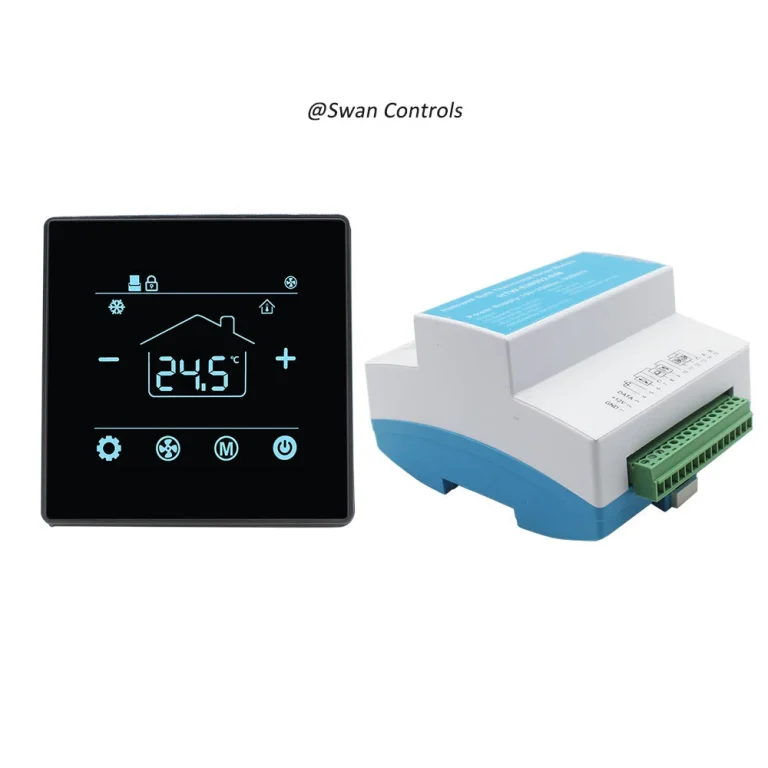
| HTW-WF11-FC-EB | BACnet 2/4-pipe FCU thermostat with optional external sensor | Core BACnet model for large BMS projects and stable OEM orders |
| HTW-WF11-FC-MKB | BACnet 2-pipe, 0-10V valve control, 3-speed fan, optional keycard | Project model for modulating valve control with possible hotel logic |
| HTW-WF11-FC-MEB | BACnet 2-pipe, 0-10V valve control, 3-speed fan, optional external sensor | BMS project model for modulating valve control and remote sensing |
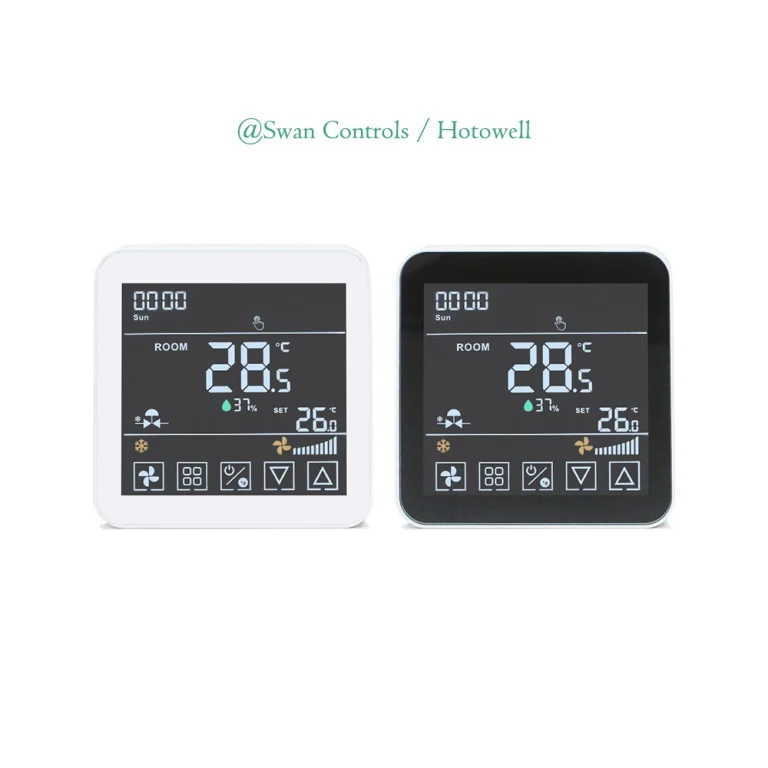
| HTW-F10-2B/4B | BACnet 2-pipe / 4-pipe on/off valve control, 3-speed fan, full touch screen | Touch screen private label model for BMS-connected FCU projects |
This platform view supports a better OEM conversation. If the customer is preparing a bulk order for large BMS systems, the discussion should focus on the BACnet product line, especially the version that matches the field control requirement. If the project only needs local control, a simpler model may be better. If the market wants app control, a WiFi or Modbus platform may be more suitable. This is why platform confirmation should happen before branding, packaging, and label design.
OEM Branding Scope: Logo, Panel, Label and Packaging
After the platform is confirmed, branding becomes easier. The buyer is no longer designing around an uncertain product. The logo, panel marking, label, and packaging can now match the approved version.
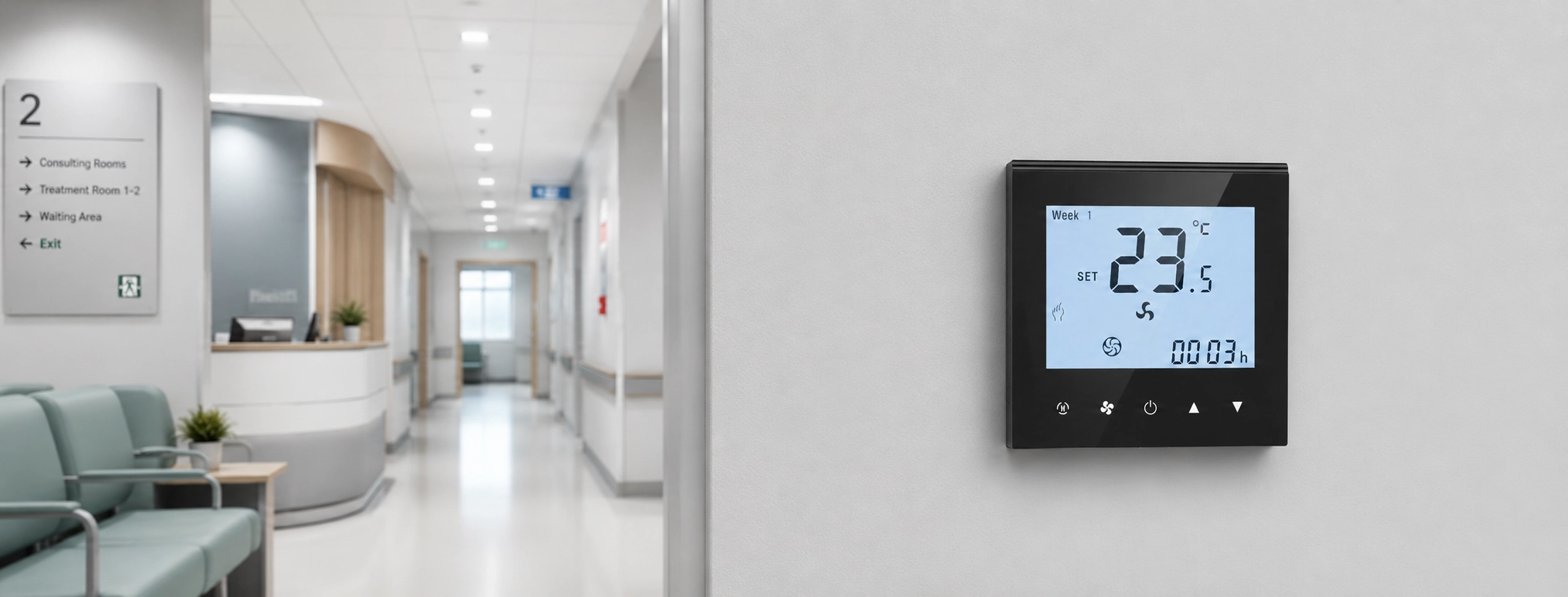
Branding is the easiest part to see, but it still needs careful control. For a wall-mounted controller, the front panel should look simple. A clean logo and clear model identity are usually better than too much text. For hotels, offices, apartments, and commercial spaces, a simple panel often looks more professional.
Front panel marking may include the customer logo, model name, or a small series mark. The design should not block the display or make the buttons harder to understand. If the product is part of a wider HVAC control range, the logo position and style should stay consistent across different models.
The back label is more technical. It should normally include model code, rated voltage, wiring reference, production information, and other required marks. For a BACnet thermostat, the label should also help the customer distinguish it from WiFi or Modbus versions. This reduces warehouse and installation mistakes.
Packaging should match the sales channel. A distributor may want a branded colour box. A contractor may prefer neutral packing and a clear carton label. A wholesale customer may care more about barcode, model code, carton quantity, and damage protection. At Swan Controls, we usually suggest keeping branding simple and repeatable across the wider HVAC thermostat family.
OEM Documents for Project Sales and Installation
For many HVAC products, documents are treated as support materials. For project control devices, documents are closer to part of the product itself. ASHRAE Guideline 13 gives industry guidance on building automation specifications, including the value of clear system architecture, installation, testing, training, and documentation. In practical OEM work, this supports a simple idea: a product used in building control should be documented clearly enough for different project roles.
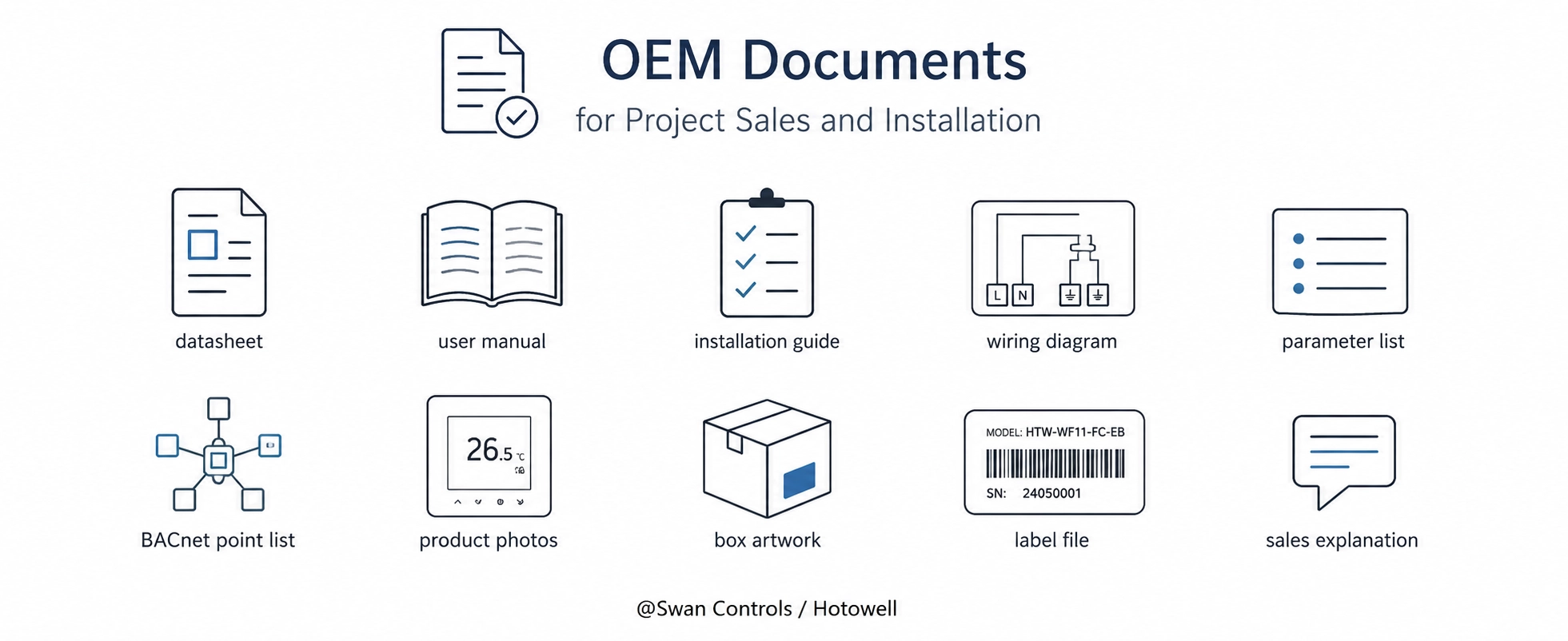
A useful document package may include a datasheet, user manual, installation guide, wiring diagram, parameter list, BACnet point list, product photos, box artwork, label file, and a short sales explanation.
The manual should not be too generic. A manual that covers many unrelated models may look complete, but it can confuse installers. A shorter manual that matches the approved version is often more valuable.
The wiring diagram should be easy to read. It should not assume that every installer knows the product family. The terminal meaning, power supply, fan output, valve output, external sensor input, and communication terminal should be shown in a direct way.
The point list is especially important for a BACnet thermostat. ASHRAE Standard 135 is the recognised BACnet communication standard for building automation and control networks. In real project work, the BMS team still needs the product-level point information from the manufacturer. The standard explains the protocol framework, but the project team needs to know what this specific controller can read, write, and expose to the system.
For OEM orders, document version control is important. If the point list, manual, or wiring diagram changes after sample approval, the file name and date should also change. This keeps the importer, contractor, and BMS integrator aligned.
Default Settings and Model Code Before Bulk Orders
Default settings influence installation speed, user experience, and support work after delivery. A room thermostat may look correct during sample review, but if the approved settings are not recorded, bulk goods may require extra adjustment on site.
Typical default settings include temperature unit, setpoint range, temperature calibration, fan mode, valve logic, display mode, key lock, backlight behaviour, communication address method, baud rate, and power-on status. Manufacturer documentation commonly shows that these parameters can affect installation and commissioning, so they should be fixed before mass production.
For a BMS thermostat, communication-related defaults are more sensitive. A BMS integrator may prepare mapping or test procedures based on the sample. If the bulk order uses different settings without notice, the site team may think the product has a fault, even when the product is only configured differently.
Model code should also be planned before bulk production. A good code helps identify the product series, communication type, output version, voltage, and OEM version. It should match the label, manual, datasheet, box, carton label, and order record. One wrong suffix may lead to the wrong document or wrong product version being sent to a project.
What Should Be Locked After Sample Approval
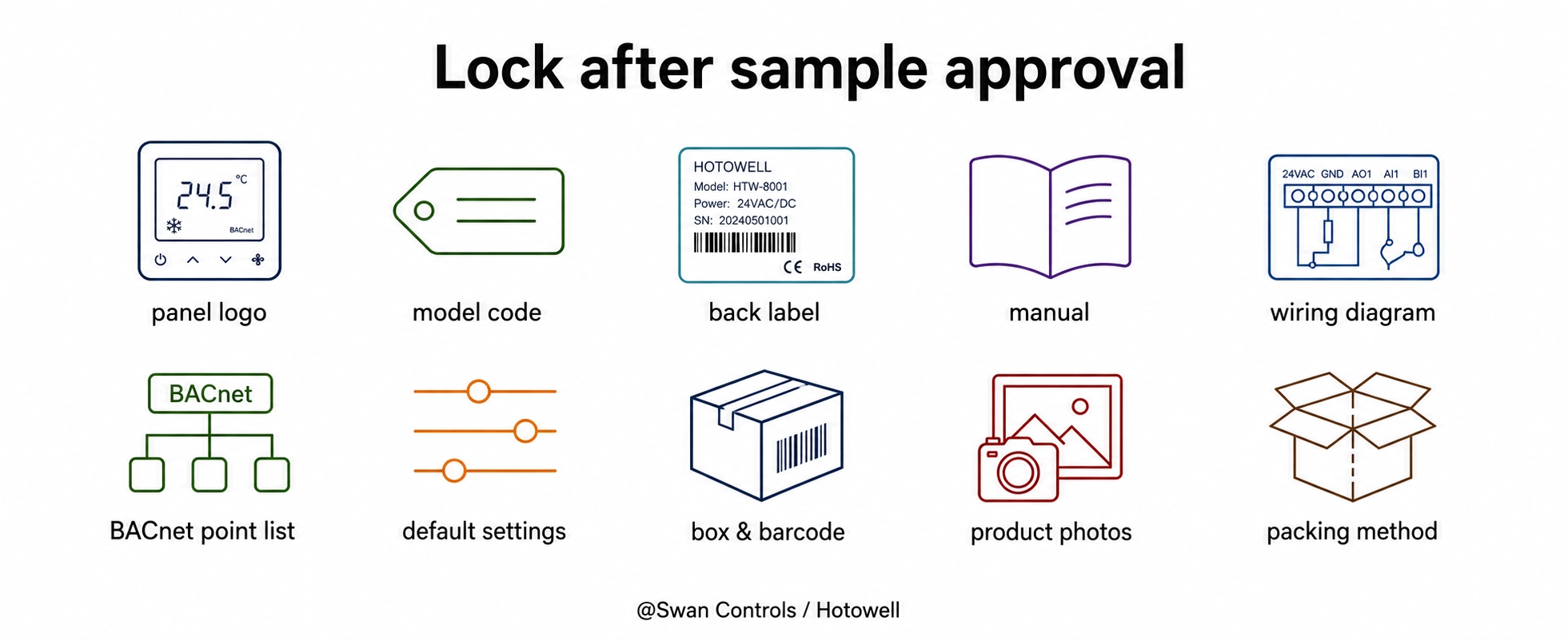
Sample approval should mean more than “the screen looks good” or “the logo is correct.” It should mean that the approved OEM version is ready for controlled bulk production. The following items should be locked before mass production.
| Item to Lock | Why It Matters |
|---|---|
| Front logo and panel marking | Keeps brand appearance consistent across batches |
| Model code and product name | Helps sales teams, installers, and warehouses avoid version confusion |
| Back label and rated information | Supports installation checks and after-sales identification |
| Manual and installation guide | Reduces repeated questions from local installers |
| Wiring diagram | Helps prevent wrong terminal connection |
| BACnet point list | Helps the BMS team prepare mapping and commissioning |
| Default parameters | Keeps sample testing and bulk installation consistent |
| Box, barcode, and carton label | Supports wholesale delivery and stock management |
| Product photos and datasheet | Helps distributors prepare sales pages and catalogues |
| Packing method | Reduces damage risk and keeps project delivery organised |
BTL guidance and testing resources also remind the industry that BACnet implementation and product information should be handled carefully when devices are prepared for integration. Not every project requires BTL listing, but the wider lesson is useful for OEM work: communication products need clear version control, correct documentation, and consistent implementation.
What Is Not Included in Normal OEM Scope
A clear OEM guide should also explain the limits. This prevents misunderstanding and protects both sides.
Normal OEM usually does not include new firmware logic, new PCB design, new housing mould, new screen structure, private app development, special communication protocol, or unique BMS mapping for one small project. These requests may still be possible, but they belong to deeper customization and need separate evaluation.
This does not mean a manufacturer should reject advanced requests. It means the request should be named correctly. Logo printing is OEM branding. Manual language adjustment is OEM documentation. A new control sequence is custom firmware. A new shell is tooling development.
Using the right name makes cooperation smoother. If a distributor only needs a stable HVAC thermostat for normal FCU projects, standard OEM may be enough. If a large hotel chain needs a special sequence, deeper customization may be reasonable.
Common OEM Mistakes to Avoid
Starting With Packaging Before the Version Is Clear
Packaging is important, but it should not come before product version confirmation. If the technical version changes after the box is designed, the manual, label, datasheet, and carton mark may also need changes.
Using One Model Code for Too Many Versions
One model code should not cover too many communication and output versions. WiFi, Modbus, BACnet, keycard, sensor, and output differences should be easy to identify. Clear naming helps the sales team and warehouse avoid mistakes.
Treating the Point List as a Late Document
The BACnet point list should be checked during sample review. This gives the BMS integrator enough time to understand the product and plan commissioning.
Making the Manual Too General
A manual that includes too many unrelated versions may look rich, but it can confuse installers. For OEM projects, it is often better to provide a manual that matches the approved version closely.
How to Prepare an OEM Request
A clear OEM request saves time. Before asking for price or artwork, the customer can prepare several basic items: target market, sales channel, expected quantity, required brand name, preferred model code, manual language, packaging style, barcode need, label content, and project application.
For the technical side, the customer should also share the FCU system, required communication, voltage, installation habits, and BMS document needs. This does not turn the article into another selection guide. It simply gives the manufacturer enough context to prepare the correct OEM package.
If the customer is not sure about the product version, we at Swan Controls can first help compare the platform. After the platform is confirmed, OEM details can move faster. This order is more efficient than designing a box first and then discovering that another model is more suitable.
For a custom BACnet thermostat order, a useful request is not only “please add our logo.” A stronger request is: “This product will be sold to office and hotel contractors in our market. We need our logo, local language manual, clear wiring diagram, point list, model code, carton label, and stable default settings for repeat orders.”
Our Practical Recommendation
For OEM cooperation, we suggest treating the product as a complete market package, not only a device. A BACnet thermostat should arrive with clear branding, correct documents, stable settings, and easy identification for sales, installation, and after-sales work.
If the order is for wholesale or a room thermostat distributor, focus on model clarity, label consistency, packing, and sales documents. If the order is for a project, focus more on wiring diagrams, point lists, default settings, and installation notes. ASHRAE Guideline 36 is mainly about HVAC control sequences, but its wider industry message is still useful here: control work benefits from clear, repeatable sequence and documentation practice.
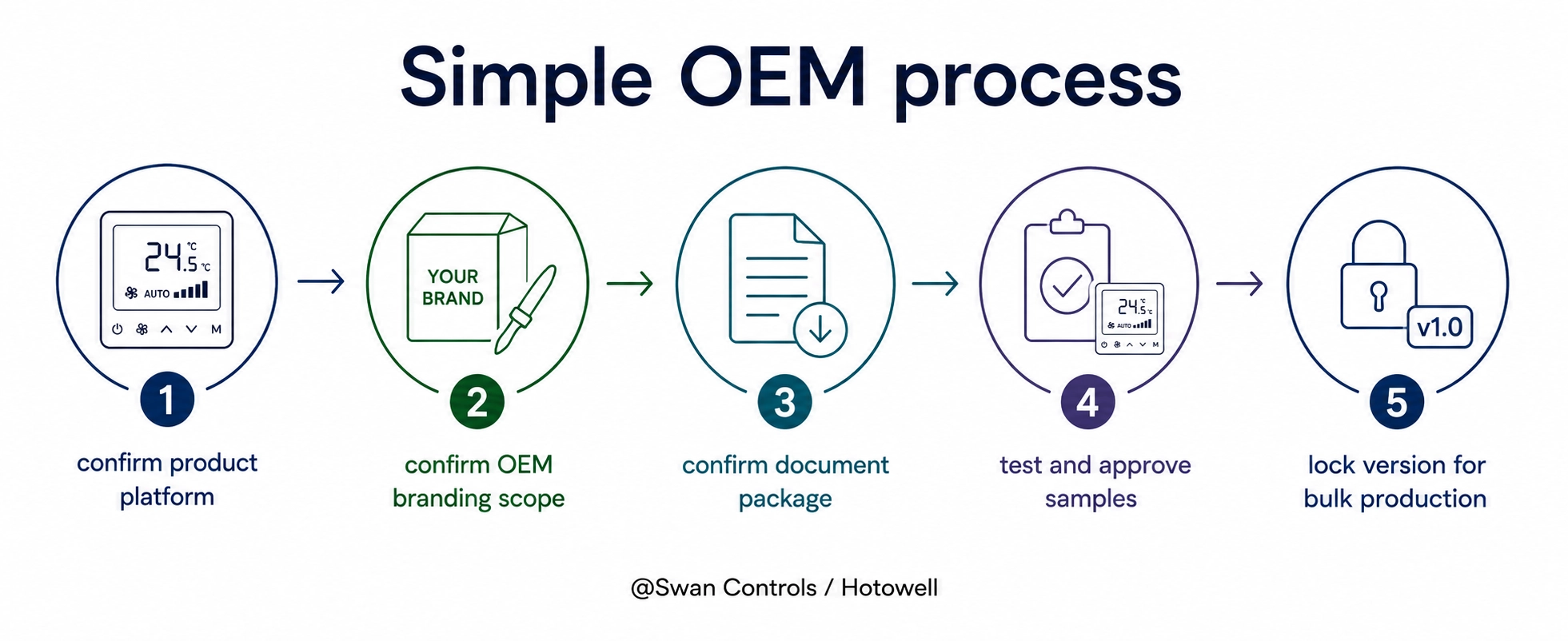
At Swan Controls, we usually recommend a simple process. First, confirm the product platform. Second, confirm the OEM branding scope. Third, confirm the document package. Fourth, test and approve samples. Fifth, lock the approved version for bulk production. This keeps cooperation practical and reduces avoidable project risk.
Frequently Asked Questions
What can be customized for an OEM BACnet thermostat?
Normal OEM customization usually includes logo, front panel marking, back label, model code, box design, manual, datasheet, barcode, default settings, and packing method. More complex changes, such as new control logic or new housing, need separate evaluation.
Is OEM the same as adding new functions?
No. OEM usually means branding, documents, labels, packaging, model naming, and production consistency. Adding new functions may require firmware, hardware, testing, and MOQ discussion. It should be treated as deeper customization.
Why is the BACnet point list important for OEM orders?
The point list helps the BMS team understand what the controller can read or write. This document should be confirmed before bulk orders, especially when the project needs BMS integration.
Can we use our own model number?
Yes, in many OEM projects, a customer model number can be used. It should be confirmed with the label, box, datasheet, manual, and order records, so the same version can be repeated in future orders.
Can we request different default settings?
Yes, many default settings can be discussed before production. Typical settings include temperature unit, setpoint range, fan logic, display behaviour, key lock, calibration, and communication settings. The final approved settings should be recorded before bulk orders.
What information should we provide before starting OEM cooperation?
Provide the target market, sales channel, quantity, brand name, manual language, packaging needs, label requirements, model code preference, and project application. For BMS projects, communication documents should also be confirmed early.
Final Note
A good OEM project should make the product easier to sell, install, test, and reorder. The right OEM work does not turn every request into a new function. It turns a proven product platform into a clear, consistent, and market-ready solution for long-term business.
References / Sources
ASHRAE Guideline 13-2024: Specifying Building Automation Systems | ASHRAE | ASHRAE | ASHRAE Bookstore
ANSI/ASHRAE Standard 135-2024: BACnet — A Data Communication Protocol for Building Automation and Control Networks | ASHRAE SSPC 135 | ASHRAE | ASHRAE Standards
BTL Certification Program | BACnet Testing Laboratories | BACnet International | BTL Official Resources
ASHRAE Guideline 36-2021: High-Performance Sequences of Operation for HVAC Systems | ASHRAE | ASHRAE | ASHRAE Guideline
Commissioning ASHRAE Guideline 36 High-Performance Sequences of Operation | N. M. Ferretti, S. T. Bushby, D. Holmberg, M. A. Piette | National Institute of Standards and Technology | NIST Technical Note
© 2026 Swan Controls / Hotowell. All rights reserved. This article is prepared for general product selection and OEM communication support. Project requirements may vary by system design, local regulation, installer practice, and BMS integration scope.