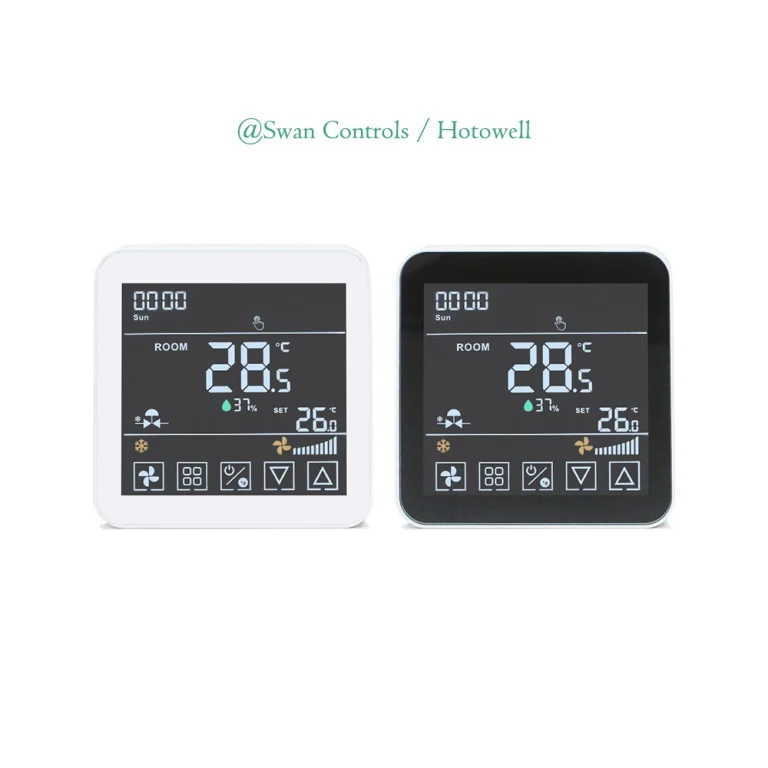
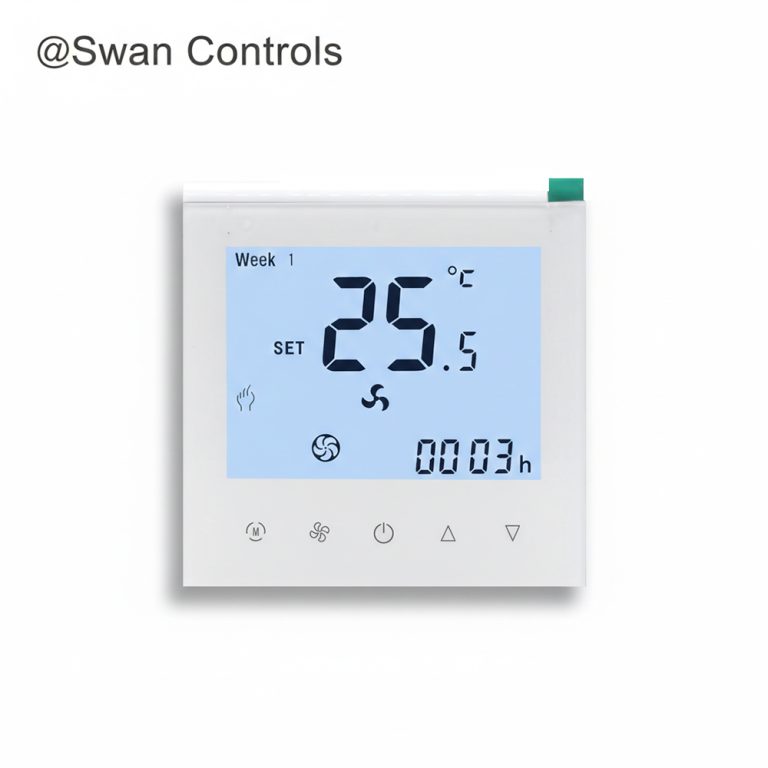
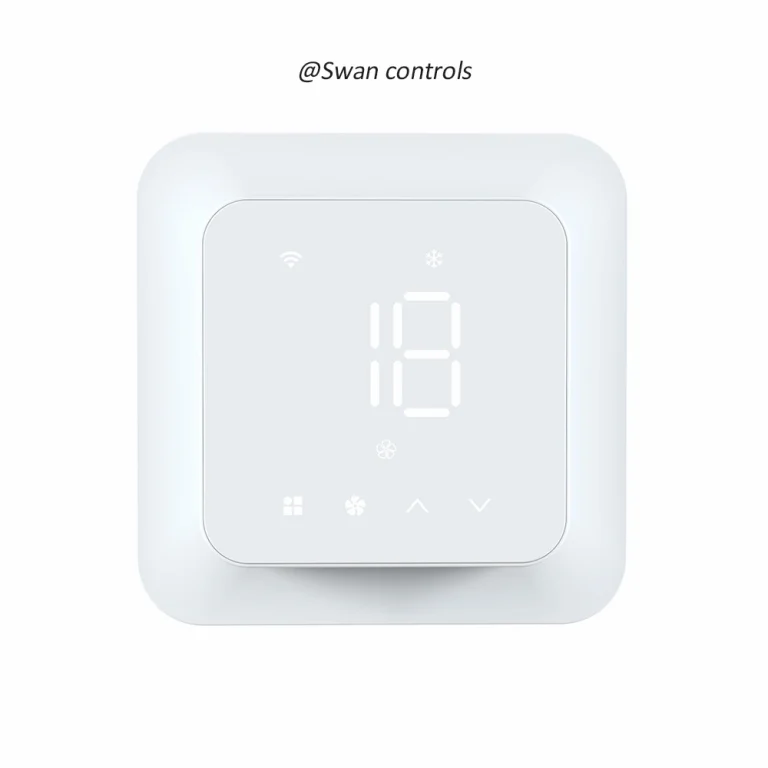
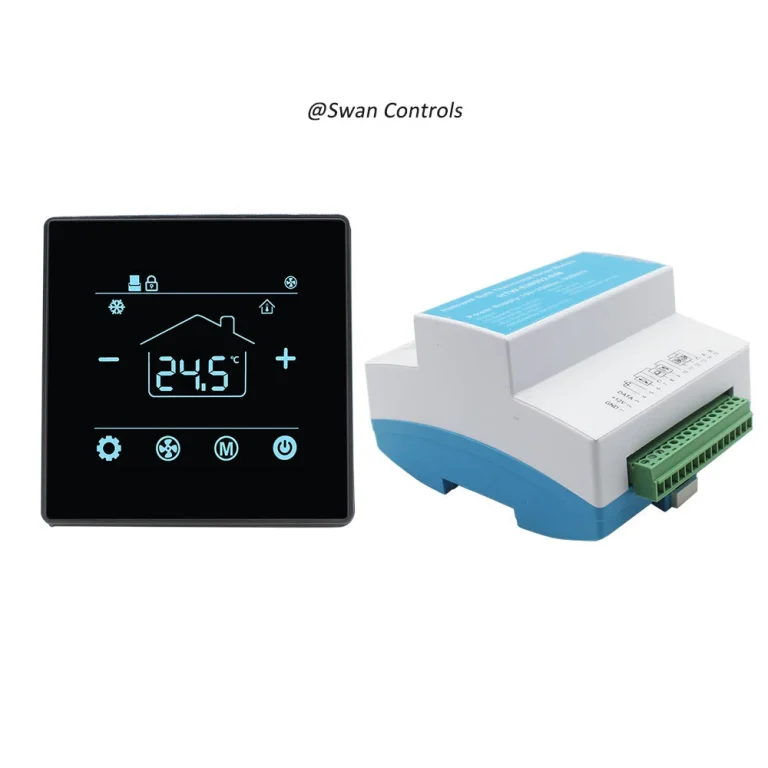
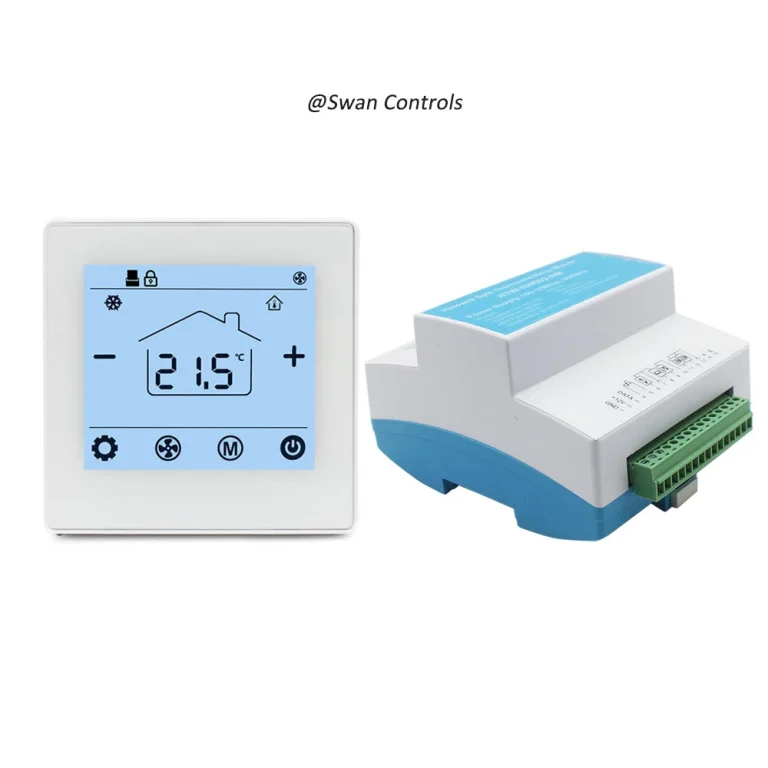
“Can this temperature controller work with our project?”
“Maybe. But first we need to confirm the sensor type, the relay logic, and the output the system really needs.”
That is where many control mistakes begin. The display looks right. The voltage looks close enough. The terminals seem familiar. But the project still fails after installation. Sometimes the reading is wrong. Sometimes the heater switches at the wrong time. Sometimes the valve does not respond. Sometimes the fan logic is incorrect. In other cases, the controller powers up normally, but the field device still does not behave as expected. The problem is often not that the temperature controller is defective. The problem is that the controller was not matched correctly with the sensor input, the relay behavior, or the output type. In practical control work, those three points should be treated as one control loop, not as three unrelated feature boxes.
Quick Summary
To match a temperature controller correctly, buyers should confirm three things first: what the controller needs to sense, what device it needs to switch or regulate, and what output form the target system actually accepts. If any one of these is wrong, the controller may still install neatly but still control the system incorrectly.
Quick Summary: The 3 Matching Questions That Prevent Most Temperature Controller Errors
The fastest way to avoid most temperature controller problems is to ask three questions before selection or wiring. First, what sensor does the controller need: built-in room sensing, remote room sensing, pipe sensing, or a configured process input such as thermocouple or RTD? Second, what relay logic does the controlled device require: heat relay, fan relay, dry contact style switching, or another specific switching behavior? Third, what output type does the target system actually accept: simple on/off, relay, SSR, dc pulse, analog output, or a dedicated valve-related control form? Once these three answers are clear, the controller becomes much easier to match correctly.
Why Matching a Temperature Controller Is More Than a Wiring Task
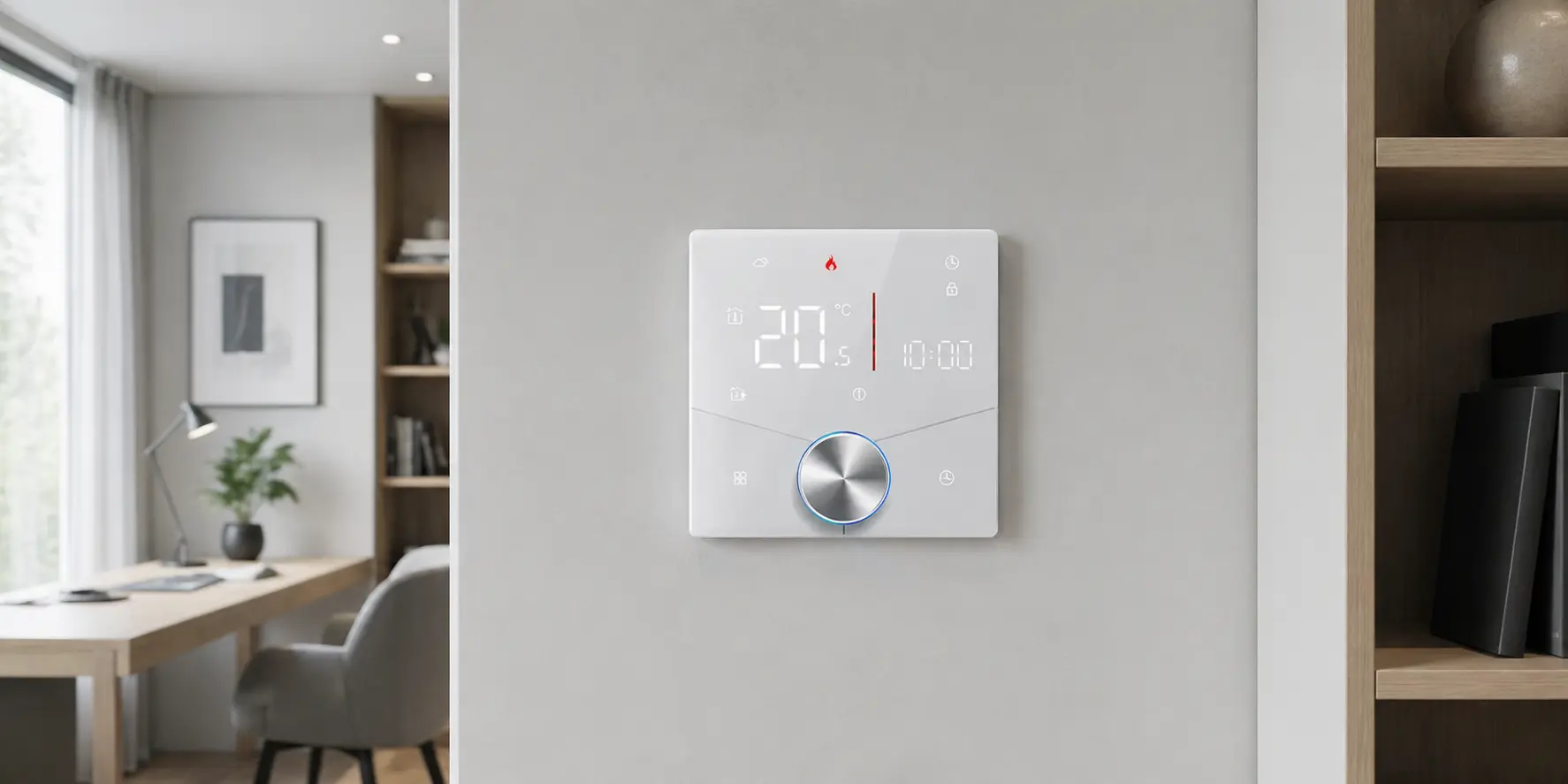
Many buyers treat controller matching as a late-stage wiring issue. In reality, it is an early-stage control decision. A temperature controller is not only a display and a few terminals. It is a control device that takes in temperature information, applies a control rule, and then acts on the system through an output. If the sensor is wrong, the controller reads the wrong condition. If the relay logic is wrong, it switches the wrong way. If the output type is wrong, the field device may not respond correctly even when everything looks tidy on the wall or in the control panel.
This is why field complaints are often misleading at first. A project may say the controller is inaccurate, but the real issue may be a mismatched sensor type or poor sensing method. Another project may say the temperature controller is not controlling the fan correctly, while the real issue is that the system needed independent fan relay logic. Another may say the valve is not responding, when the actual mismatch is between the controller output form and what the valve or actuator expects.
In short, matching a temperature controller is really about matching the control loop. Wiring becomes much easier only after the sensing method, switching logic, and output type are already clear.
Start by Matching the Sensor Type
The first matching task is sensing. A temperature controller can only make correct decisions if it receives the right temperature information from the right input source.
Built-in room sensor
A built-in room sensor is the most familiar arrangement and works well in many standard room thermostat and HVAC temperature controller applications. If the controller is mounted in a representative location, built-in sensing can provide simple and stable control without extra field wiring.
But this only works when the controller position is also a good sensing position. If the wall location is affected by sunlight, drafts, warm equipment, doors, or poor air circulation, the reading may not represent the occupied zone. In that case, the controller may still be working normally according to its own sensor, but the room may still feel wrong.
Remote room sensor
A remote room sensor becomes more useful when the controller location is not the best sensing location, or when the controller must be installed for user access while the actual control temperature should come from another point. This is especially common in hotel, corridor, concealed-unit, and room-control projects.
This is not a minor detail. Resideo’s TB7220 documentation states that if a remote indoor temperature sensor is connected, the thermostat displays the indoor temperature from the remote sensor, and the thermostat internal sensor is not used. That means the remote sensor is not only a secondary reference. In that controller family, it becomes the active sensing source. Buyers should always ask what happens to the internal sensor once a remote sensor is connected.
Pipe sensor or changeover sensor
Some applications require more than room air sensing. In hydronic, 2-pipe, FCU, or special HVAC applications, the controller may need pipe or changeover information to decide whether the system is in heating or cooling logic. This is one reason why some projects cannot be matched correctly by looking only at a wall display.
In practical terms, a room thermostat used in a simple residential space may not need this extra logic. But a hotel, FCU, or hydronic project may depend on it. If the project needs pipe sensing or changeover logic, that requirement should be treated as part of the main controller selection, not as a later adjustment.
Configured sensor type in digital temperature controllers
Digital temperature controller projects add another layer. The issue is not only where the sensor is placed, but also how the controller is configured to interpret it. Watlow quick-start documentation explicitly directs users to enter the Analog Input menu and select the Sensor Type. Omega product guidance also lists sensor type, such as thermocouple or RTD, as one of the first selection factors. In other words, the controller has to be matched to both the physical sensor and the configured input logic.
| Sensor Type | Best For | Main Risk if Mismatched |
|---|---|---|
| Built-in room sensor | Standard room control | Wrong reading if controller location is poor |
| Remote room sensor | Better sensing position or concealed-unit control | Internal sensor may be bypassed or ignored |
| Pipe or changeover sensor | 2-pipe and hydronic logic | Wrong mode switching or unstable seasonal logic |
| Configured process sensor | Digital temperature controller projects | Wrong input type or unstable control response |
Then Match the Relay Logic
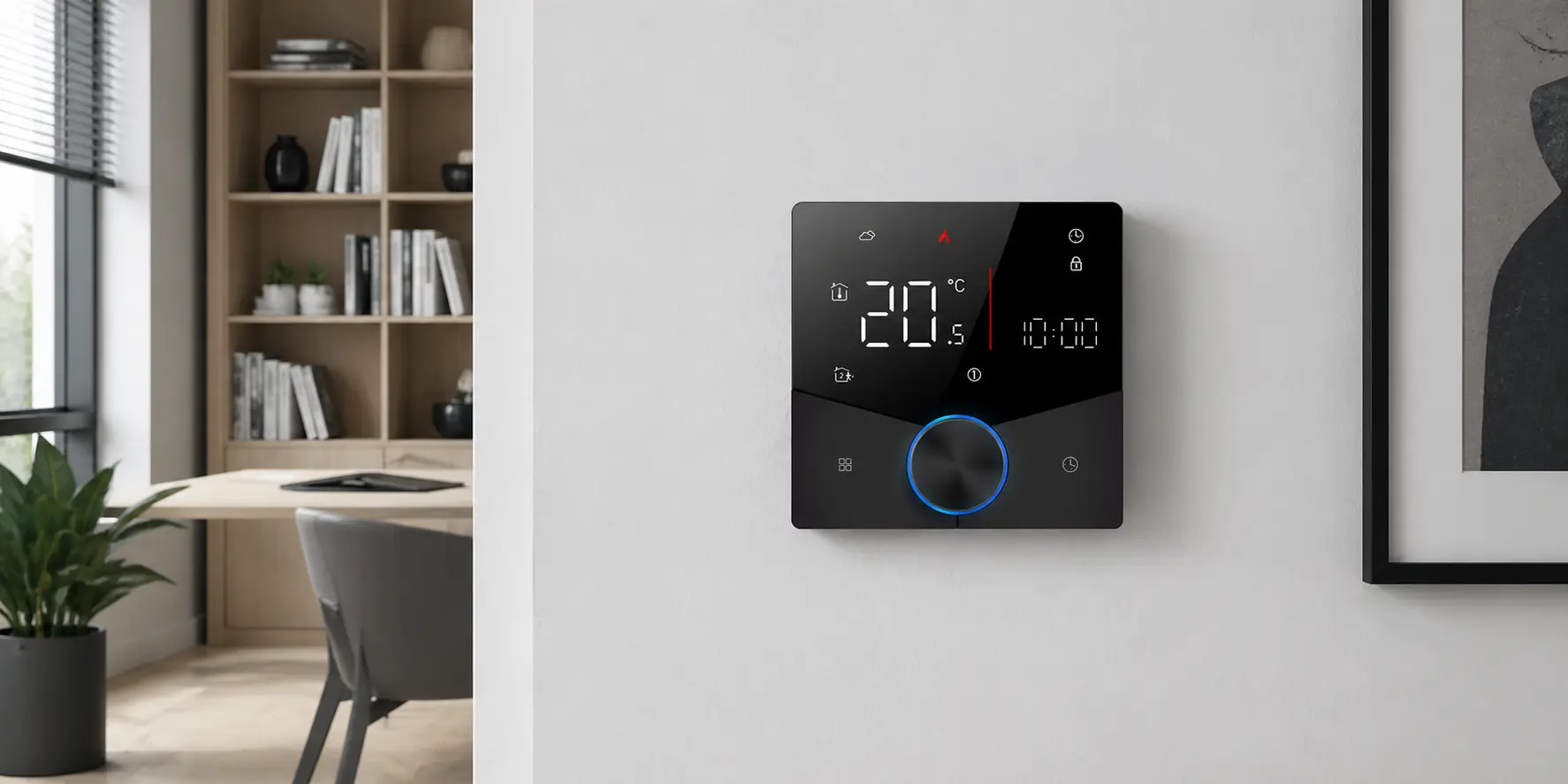
Once the sensing method is clear, the next task is switching logic. This is where many buyers become too general. They say the controller supports heating or supports fan, but that still does not define how the controller actually switches the field device.
Heat relay versus fan relay
Relay matching begins by asking what the controller is actually switching. In thermostat-type HVAC applications, internal relay paths often connect R to W, Y, or G depending on what function is being called. That means heating relay logic and fan relay logic are not interchangeable just because both are “relay functions.” The field device still expects the correct switching path and sequence.
Independent fan control
Independent fan control should also be confirmed explicitly. In some systems, fan logic is handled separately. In others, it is not used in the same way. So if a project depends on fan switching, the controller should be checked for that actual behavior rather than assumed from the presence of a fan icon or a general HVAC label.
Relay suitability and application ratings
Relay matching is not only about whether a controller has a relay terminal. It is also about whether the device is intended for the application. Commercial thermostat documentation commonly instructs installers to verify that the product ratings are suitable for the application. That is a useful reminder that relay logic must fit both electrically and functionally.
Relay presence is not the same as correct relay behavior
This is one of the most common buyer mistakes. A controller may include relay outputs, but that does not mean the relay behavior matches the boiler, fan, valve, or room-control sequence in the project. The real question is not “Does it have a relay?” The better question is “Does its relay logic match what the controlled equipment expects?”
Finally Match the Output Type
The third task is output matching. This should be treated as a selection filter, not as a minor technical note. Many temperature controller projects fail because the controller is asked to drive a device through the wrong output form.
Simple on/off or dry-contact style output
For basic boiler demand or simple heating call logic, simple on/off style output may be enough. In these cases, the controller acts mainly as a switching decision point. This is one reason products such as a 220V boiler thermostat with Modbus or a house thermostat for water heating and boiler heating are easier to understand when the application is already clear.
Relay output for water heating or switching control
In water heating and similar projects, relay switching may still be the correct and practical method. But the output still needs to match the field load and the intended control role. A 3A water heating thermostat makes more sense when the controller role is understood clearly as relay-based heating control.
24VDC output for PICV or valve control
Commercial room-control projects often need something more specific than general relay switching. If a PICV or valve-control project expects a defined 24VDC output logic, a basic relay thermostat may not be enough. This is why a 24VDC output PICV thermostat with Modbus exists as a separate control direction. The key point is not complexity. The key point is matching the output form to the field requirement.
SSR, dc pulse, and analog outputs in digital temperature controller projects
Broader digital temperature controller projects extend output matching further. Omega documentation lists typical outputs such as electromechanical relay, SSR, dc pulse, and isolated analog voltage or current outputs. That means the controller should be selected not only by temperature range or display style, but by the output form the process actually needs.
Communication features are not the same as outputs
Another major source of confusion is communication. Modbus, RS485, WiFi, and similar features are not the same as load outputs. A controller may communicate perfectly and still be wrong for the actual device it is supposed to regulate. Communication should be evaluated separately from switching or control output.
Different Applications Need Different Matching Rules
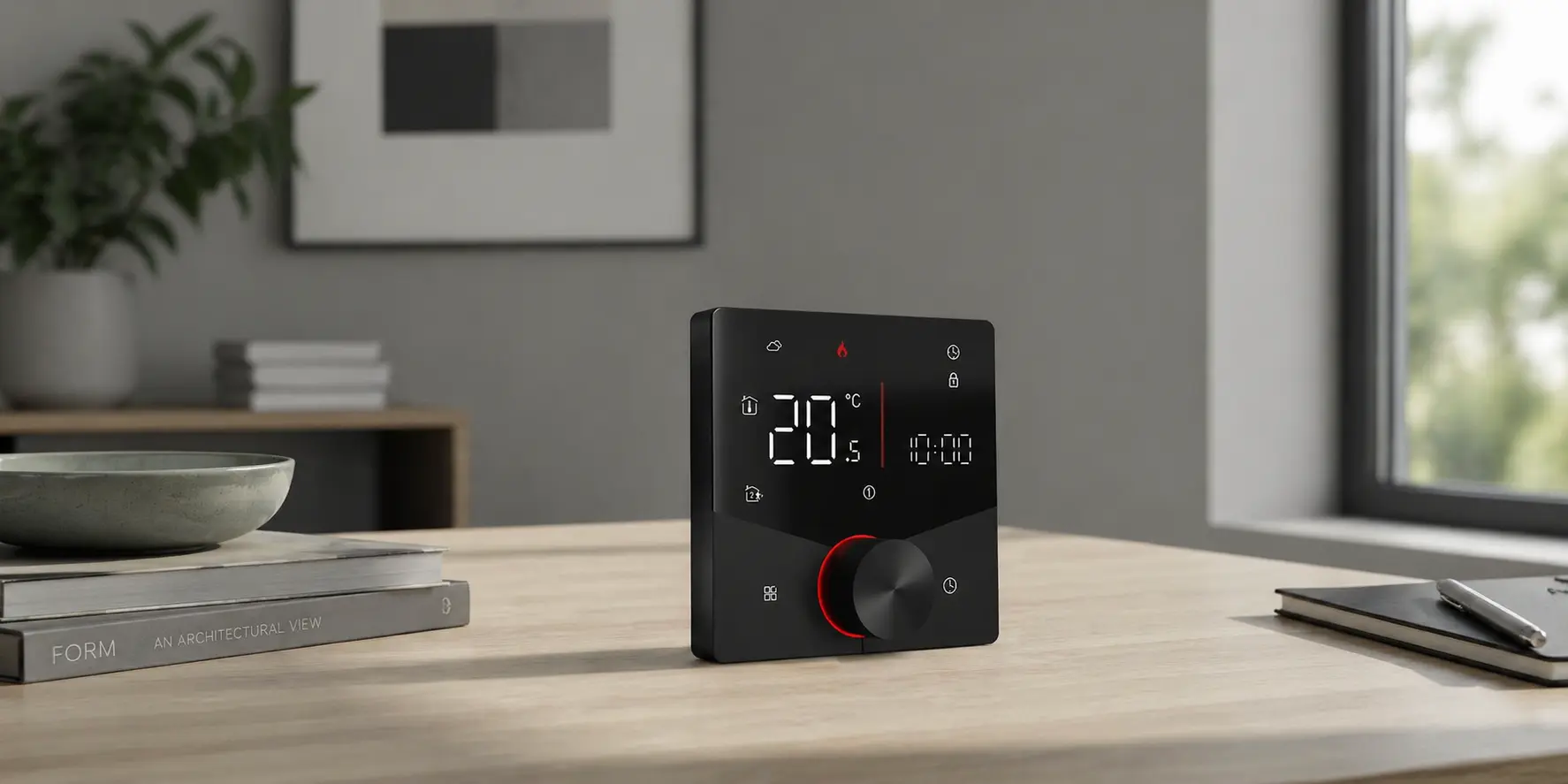
The easiest way to simplify controller selection is to stop asking “Which controller is best?” and start asking “Which sensing, relay, and output logic fit this application?” Different temperature controller applications do not share the same matching rules.
Boiler heating
Boiler-related projects usually need a controller that can read room temperature correctly and switch heating demand in the right way. Output simplicity may be enough, but the switching logic still has to match the heating system.
Water heating
Water heating applications often need practical and stable switching rather than complex process behavior. The controller should still be matched to the load, sensing method, and switching role clearly.
Hotel room HVAC with keycard logic
Hotel room control often combines room temperature control with occupancy or keycard logic. This means the controller is no longer just a wall-mounted temperature display. It becomes part of a room-management sequence.
PICV or commercial room control
Commercial room-control projects often depend more on output type than many buyers expect. If the field device is controlled through a specific valve logic, the temperature controller must match that real output form and not only the general room-control appearance.
Common Matching Mistakes Buyers Should Avoid
- Choosing by screen appearance instead of by sensing and output logic.
- Assuming every controller supports the same sensor inputs.
- Assuming remote sensors always work as secondary references only.
- Confusing relay presence with correct relay behavior.
- Confusing communication features with actual control outputs.
- Ignoring pipe or changeover logic in hydronic or 2-pipe applications.
- Using a basic relay thermostat for a project that needs a more specific output form.
- Assuming all digital temperature controllers share the same input and output configuration.
Many field problems that look like product failure begin with one of these matching mistakes.
Expert Commentary: Most Temperature Controller Problems Start with a Matching Error
A useful way to think about temperature controller troubleshooting is this: many site complaints are not caused by controller failure first. They are caused by mismatching first. A controller may be configured for the wrong sensor type. A remote sensor may have replaced the internal sensor without the project team fully realizing it. A relay may exist, but not the right relay logic. An output may be present, but not the output form the load expects.
This is why application suitability, sensor type, relay logic, and output form should be treated as one selection topic. In real control work, a correct controller is not simply the one that powers on. It is the one that completes the right control loop with the real field device.
We support room thermostat, boiler, water heating, hotel HVAC, and PICV projects where sensor choice, relay logic, and output type often decide whether the control loop will actually work in the field. Buyers who clarify these points earlier usually solve problems earlier as well.
Scientific Data and Industry Direction
The temperature controller market is becoming more structured, not less. Selection guidance from Omega explicitly starts with sensor type, output type, and control algorithm. Watlow quick-start and setup materials also make sensor selection and output menu configuration part of the basic startup path. That means modern controllers are being treated as configurable control devices rather than simple display units.
This industry direction matters because it raises the cost of mismatching. As controllers take on broader sensing, output, and communication roles, the penalty for choosing the wrong input or output path becomes higher. A good match now requires more attention than just voltage and enclosure size.
Real-World Cases and User Feedback
Case 1: Boiler project with the wrong output expectation
A heating project selected a controller mainly because it looked suitable for room temperature control. Later, it became clear that the project expected a different switching arrangement from what the selected controller actually provided. The problem was not a broken unit. It was a mismatch between control expectation and output form.
Case 2: Hotel room project with incomplete logic definition
A hotel project selected a temperature controller before clearly confirming whether keycard logic and room control sequence were part of the requirement. Later, that missing logic became the real issue. The controller category was too general for the project role.
Case 3: Commercial PICV project with the wrong output form
A commercial room-control job used a controller that could sense room temperature but did not provide the output form expected by the valve-control arrangement. The site first treated the issue as a product fault. In reality, it was a matching problem from the beginning.
User feedback pattern: Buyers and site teams rarely describe the issue in control-loop language. They usually say the room is unstable, the valve is not reacting, or the controller does not seem right. But behind those simple complaints, the underlying issue is often the same: sensor, relay, and output were not matched together.
A Practical Matching Checklist Before Order Confirmation
- Confirm the application.
- Confirm what the controller needs to sense.
- Confirm the sensor type and sensor behavior.
- Confirm what device the controller needs to switch or regulate.
- Confirm the relay behavior.
- Confirm the real output type.
- Separate communication features from output functions.
- Confirm installation environment and sensing location.
- Confirm model-specific input and output limits.
- Confirm the final control result expected in the project.
This checklist is simple, but it prevents many expensive matching mistakes.
Frequently Asked Questions
1. How do I know which sensor type my temperature controller should use?
You should start by asking what temperature condition the controller must read and where that condition is most representative. If the controller location is suitable, built-in sensing may be enough. If not, a remote sensor or another sensor type may be the better choice.
2. What is the difference between a relay and an output in a temperature controller?
A relay is one type of output, but not every controller output is simply a relay. A temperature controller may use mechanical relay, SSR, dc pulse, analog output, or another output form depending on the application.
3. Can a room thermostat or temperature controller use both internal and remote sensors?
Sometimes yes, but not always in the way buyers expect. In some controllers, once a remote sensor is connected, the internal sensor is no longer used for the main temperature reading. That is why the exact controller logic should always be checked.
4. How do I match a temperature controller with a boiler, fan, or valve?
Start from the field device, not the controller appearance. Confirm what the target equipment expects in terms of sensing, switching, and output form, then choose the controller that matches that real control loop.
5. What happens if the output type does not match the system?
The controller may still power on and appear to work, but the field device may not respond correctly. You may see unstable control, no response, wrong switching behavior, or unnecessary troubleshooting. In many cases, the issue is not a bad controller. It is the wrong output match.
To match a temperature controller correctly, buyers should treat sensor, relay, and output as one control loop. If any one of them is mismatched, the controller may still power up, wire correctly, and still fail in real use. So the direct answer to the title is simple: the right temperature controller is the one that matches the right sensing method, the right switching logic, and the right output form for the real project.
References / Sources
- Omega Engineering, PID & Process Temperature Controllers
- Watlow, Quick Start Guide
- Resideo, TB7220 Ultrastat Programmable Thermostat
- Honeywell Home, How do I wire my thermostat?
- Honeywell Home, How do I wire my RTH6500WF Smart Series Programmable Thermostat?
- Omega Engineering, An Introduction to PID Temperature Controllers
- Omega Engineering, Temperature Process Controllers
- Watlow, How to Set Up a Control Loop with F4T
- Watlow, Series 96 User’s Manual
- Watlow, PM PLUS Quick Start Guide