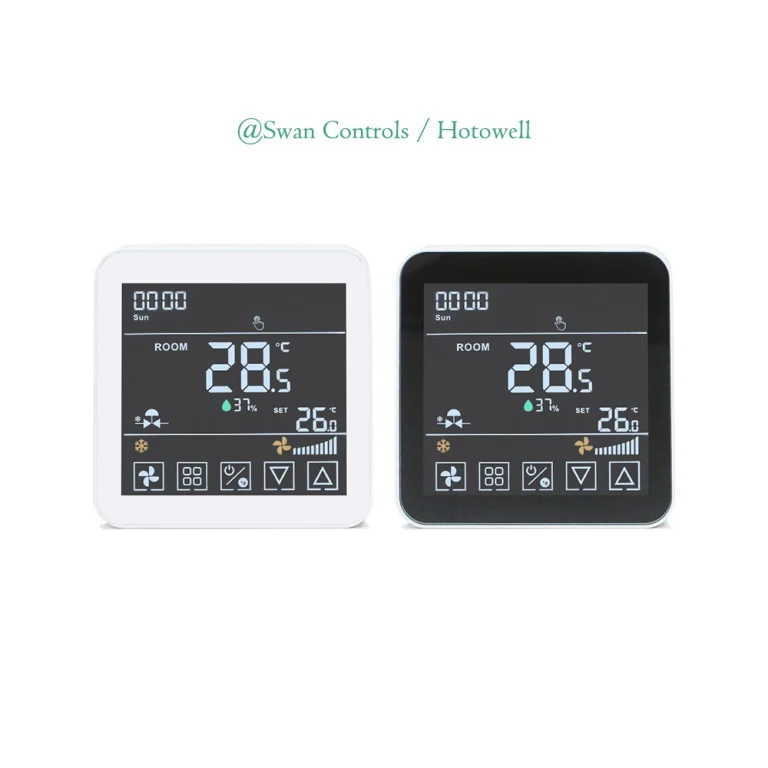
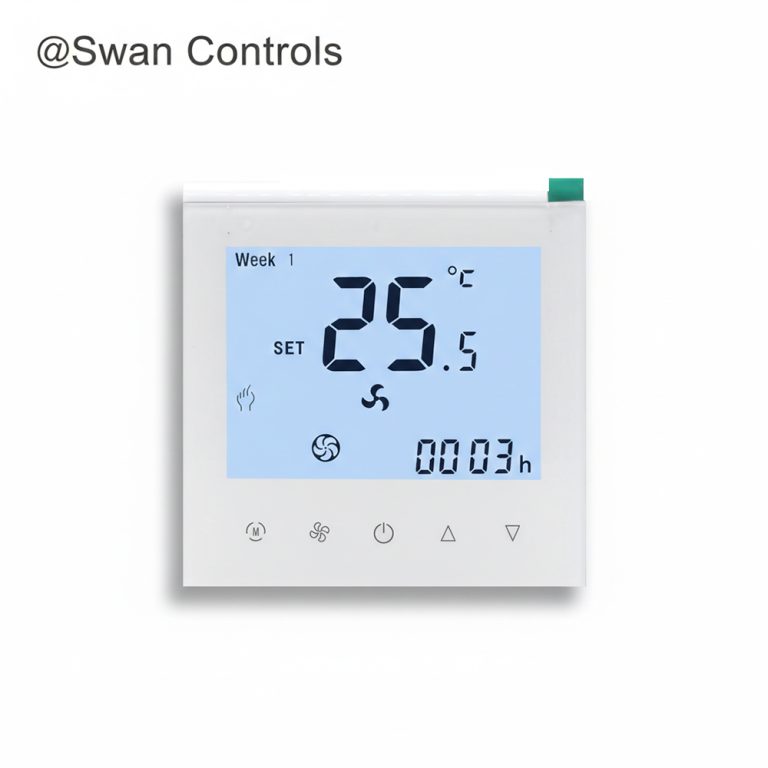
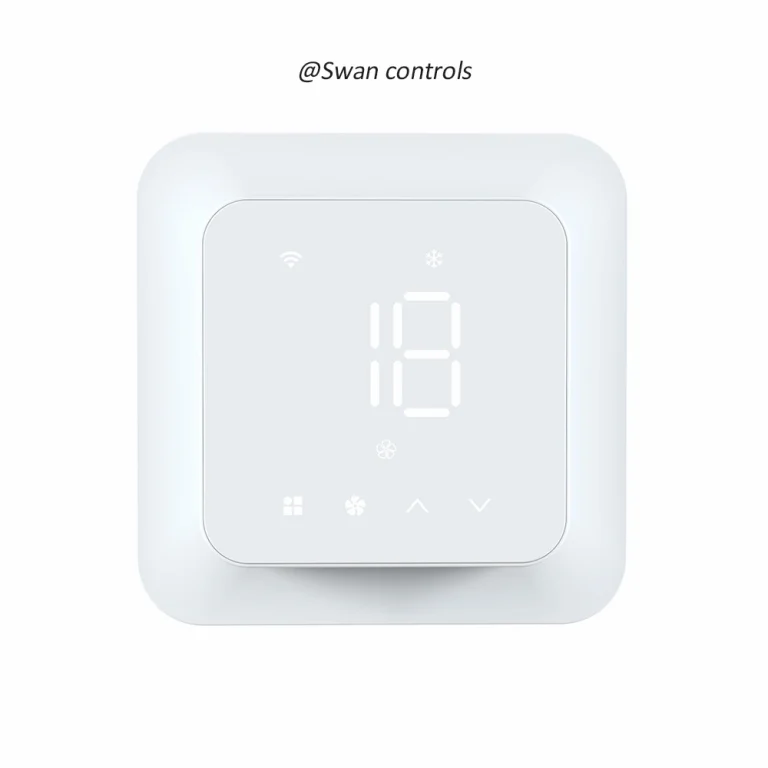
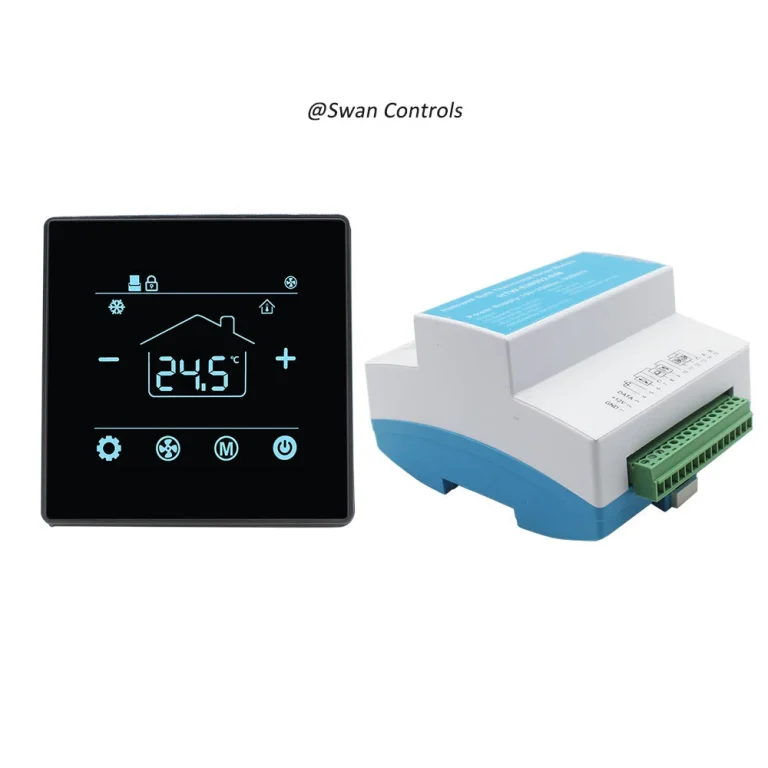
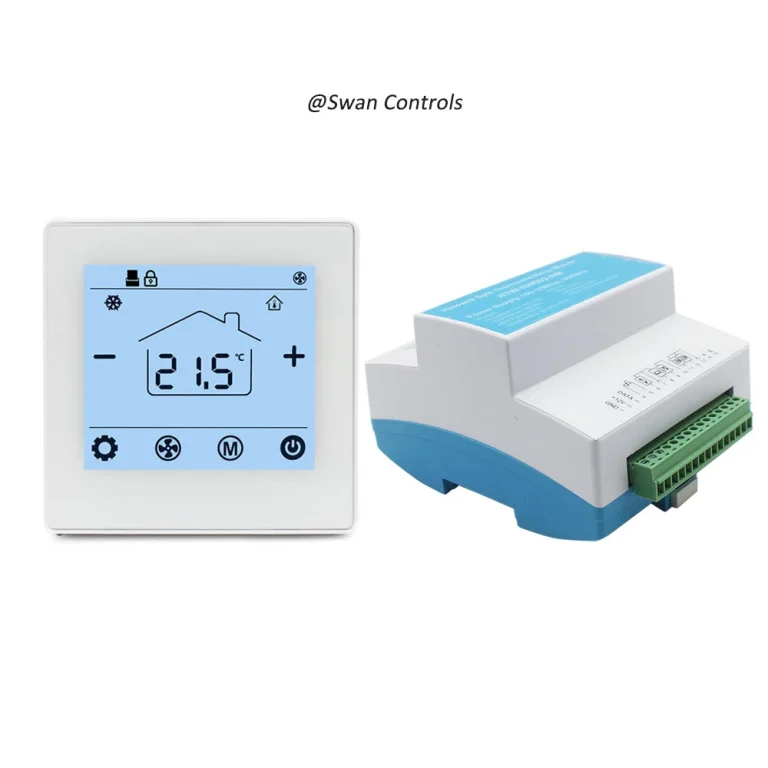
Quick Summary
A touch screen thermostat is a thermostat with a touch interface instead of traditional mechanical buttons. It can make room control look cleaner and easier to use. But the touch screen is only a design feature, not the core control function. Buyers should first confirm whether the thermostat matches the HVAC system, such as fan coil unit, boiler heating, water heating or electric heating. It is worth choosing when the project needs better appearance, easier operation and a more modern user experience.
“The customer wants a modern thermostat, but does a touch screen model fit our system?”
“Is a touch screen thermostat the same as a smart thermostat?”
“Will a nice screen really reduce complaints in hotels or apartments?”
These are common questions from overseas buyers, project contractors and HVAC distributors. A touch screen thermostat looks more modern than a traditional button thermostat. It can improve the room image and make operation more intuitive. But appearance alone does not decide whether the thermostat is suitable.
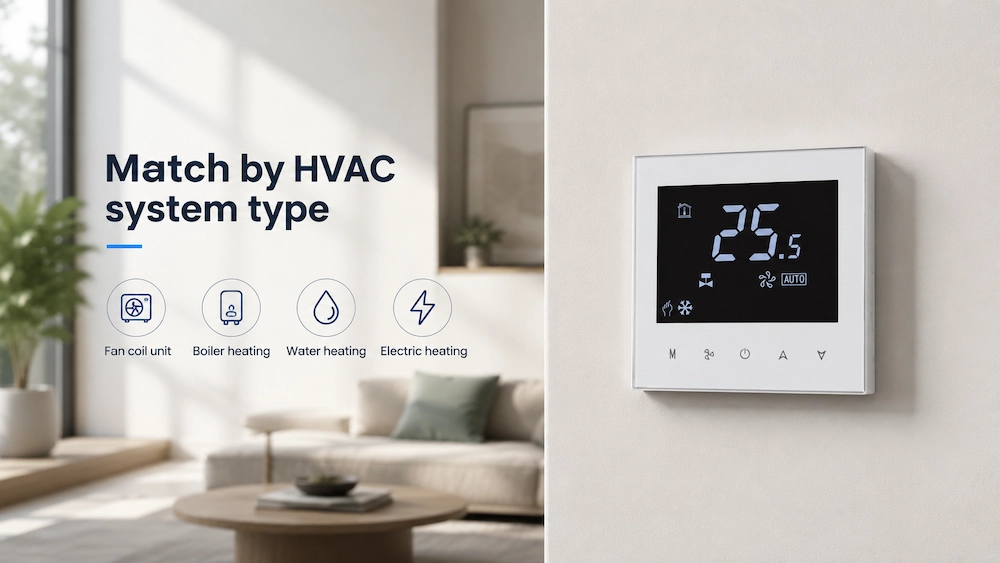
The most important point is still system matching. A thermostat must match the HVAC system before its display design has value. For Swan Controls, the main application areas are fan coil unit control and heating system control. This includes FCU thermostats, boiler thermostats, water heating thermostats and electric heating thermostats.
This article explains what a touch screen thermostat is, when it is worth choosing and how buyers should avoid common misunderstandings. It also explains the difference between a touch screen thermostat and a smart thermostat.
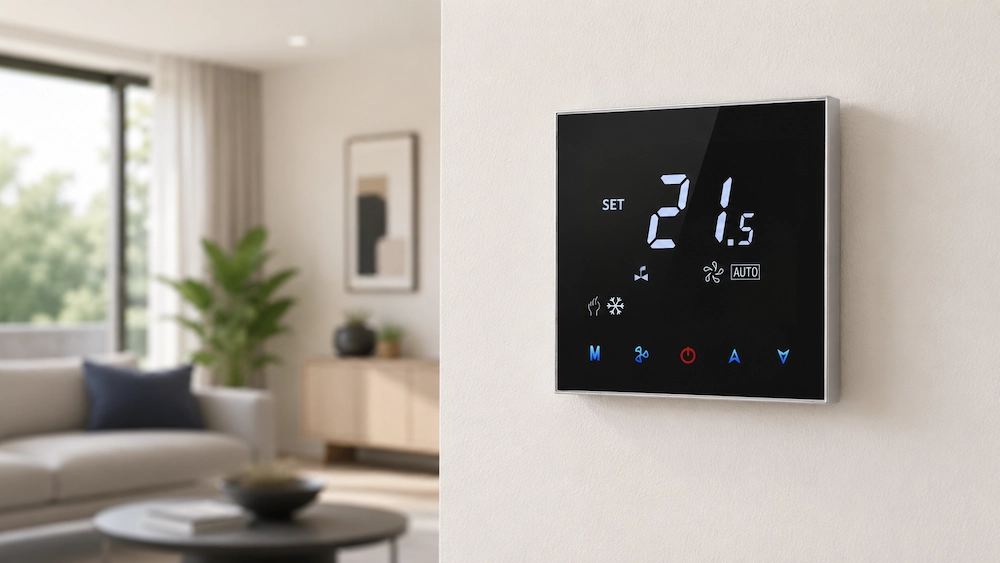
What Is a Touch Screen Thermostat
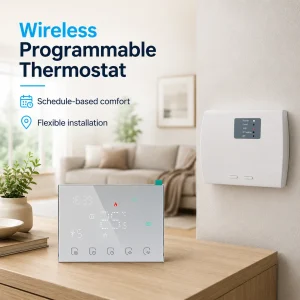
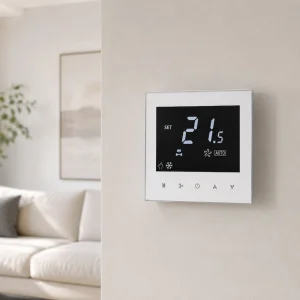
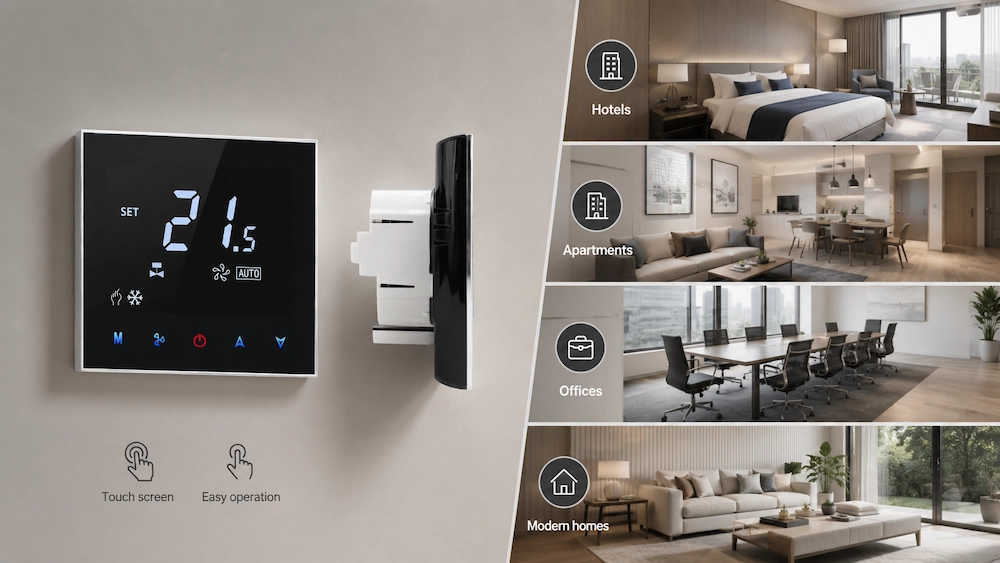
A touch screen thermostat is a thermostat that uses a touch panel for user operation. Instead of pressing mechanical buttons, users adjust temperature, mode, fan speed or timing through the screen.
The touch screen can be resistive, capacitive or based on another touch design. In most HVAC projects, the buyer does not need to focus too much on the screen technology. The more important question is whether the thermostat controls the right system.
A touch screen thermostat may be used for:
- Fan coil unit systems
- Boiler heating systems
- Water heating systems
- Electric underfloor heating
- Apartment temperature control
- Hotel room HVAC control
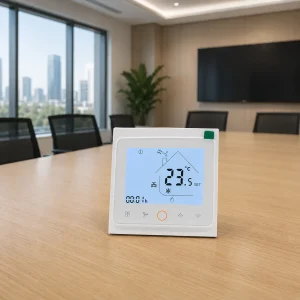
- Office room control
It usually gives a cleaner front design. It may also reduce the number of visible buttons. This is useful for projects where appearance and user experience matter.
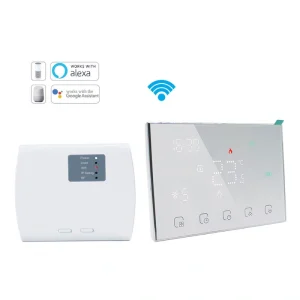
However, a touch screen does not automatically mean the thermostat supports every function. It does not automatically mean WiFi, Modbus, BMS, app control or remote control. These are separate functions that must be confirmed by model.
Touch Screen Is a Design Feature, Not the HVAC Function
This is the most important point for buyers.
The touch screen is the way users operate the thermostat. It is not the same as the control logic inside the thermostat.
A thermostat still needs the correct output and application match. For example, a touch screen thermostat for fan coil units may need fan speed output and valve control. A touch screen thermostat for boiler heating may need dry contact output. A touch screen thermostat for electric heating may need a suitable relay load.
Common buyer misunderstanding includes:
- Thinking all touch screen thermostats can control FCU systems
- Thinking touch screen means smart thermostat
- Thinking WiFi is included because the screen looks modern
- Choosing by appearance before checking wiring
- Using a heating thermostat for fan coil control
Customer pain point: “The thermostat looks premium, but it does not control our system.”
Solution: confirm HVAC system compatibility first. Then choose touch screen design if the project also needs a better interface and a more modern appearance.
When a Touch Screen Thermostat Is Worth Choosing
A touch screen thermostat is worth choosing when the project needs both correct HVAC control and better user experience.
It is usually a good choice for:
- Modern apartments
- Hotels and serviced apartments
- Office renovation projects
- Premium residential projects
- Showrooms and sample rooms
- Projects where wall devices must look clean
- OEM product lines targeting mid-to-high-end markets
In these projects, users notice the wall device. A traditional button thermostat may work, but it may look outdated. A touch screen thermostat can make the room look cleaner and more modern.
For hotels, the touch interface can also help reduce confusion. Guests may not know how to use a complex wall controller. A clear touch display with simple icons can improve the experience.
For apartments, a touch screen thermostat can make the product easier to sell. Buyers often judge the room by visible details. A clean thermostat design can support a better project image.
Customer pain point: “The HVAC control works, but the room device looks cheap.”
Solution: choose a touch screen model after confirming the control system. This improves visual value without sacrificing compatibility.
When a Touch Screen Thermostat May Not Be Necessary
A touch screen thermostat is not always the best choice. Some projects need simple, durable and low-cost control more than premium appearance.
It may not be necessary when:
- The project is very price-sensitive
- The user group prefers simple physical buttons
- The room environment is rough or dusty
- The installation is in a mechanical room
- The project does not need a premium appearance
- The buyer only needs basic heating on/off control
For some wholesale markets, a basic button thermostat may be easier to explain and cheaper to replace. For some project installations, strong relay capacity and wiring clarity may matter more than interface design.
This does not mean touch screen is bad. It means the buyer should not pay for a design feature that does not solve the real project problem.
Customer pain point: “We paid more for a touch screen, but customers only care about price.”
Solution: match the product grade to the market. Use touch screen models for projects where appearance, comfort and user experience support the selling price.
Touch Screen Thermostat vs Smart Thermostat
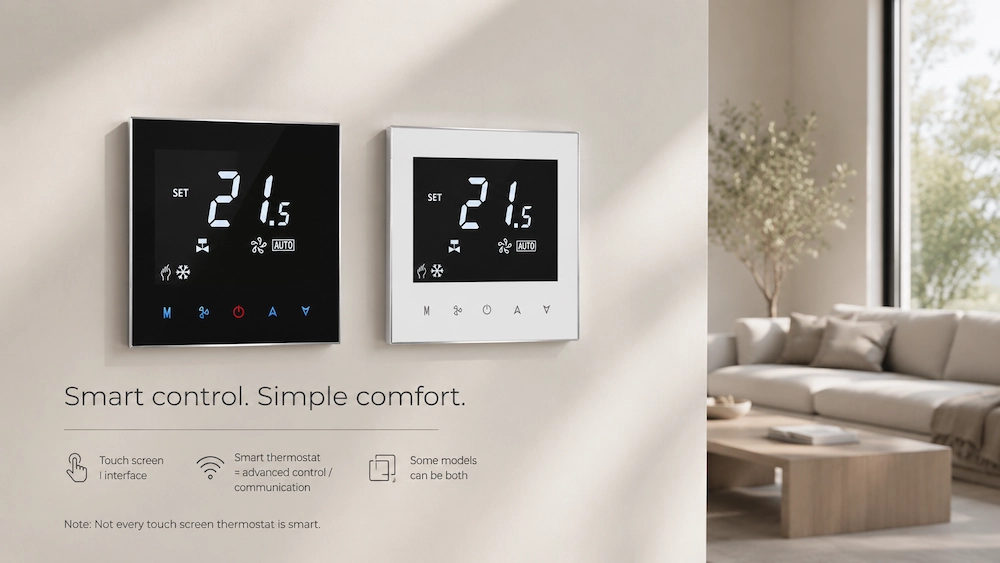
A touch screen thermostat and a smart thermostat are not the same thing.
A touch screen thermostat describes the interface. A smart thermostat describes advanced control or communication functions. Some thermostats can be both touch screen and smart. But many touch screen thermostats are not smart models.
| Item | Touch Screen Thermostat | Smart Thermostat |
|---|---|---|
| Main meaning | Touch interface design | Advanced control or communication |
| Common value | Cleaner look and easier operation | Remote control, schedule or data connection |
| WiFi required? | Not always | Often, but not always |
| System matching still needed? | Yes | Yes |
| Best for | Modern room design | Remote or advanced control needs |
This distinction helps avoid wrong product expectations. A buyer may ask for a smart thermostat but only need a modern touch screen. Another buyer may ask for a touch screen model but actually need WiFi or Modbus control.
Customer pain point: “The product has a touch screen, but the buyer expected app control.”
Solution: clearly state whether the model supports WiFi, app, Modbus, weekly schedule or BMS connection. Do not let the touch screen design create false expectations.
Why HVAC System Matching Still Matters
A touch screen thermostat must match the HVAC system. This should be confirmed before design preference.
For fan coil units, buyers should check:
- 2-pipe or 4-pipe system
- 3-speed fan or EC fan
- Valve output type
- Heating and cooling logic
- Voltage and wiring terminals
For heating systems, buyers should check:
- Boiler heating or electric heating
- Water heating or underfloor heating
- Dry contact or powered output
- Relay current rating
- Sensor type and floor sensor need
The screen cannot correct a wrong output type. It cannot make a boiler thermostat control a fan coil unit. It cannot make a heating-only model control cooling.
Customer pain point: “The customer chose the model by appearance, but installers found it does not match the system.”
Solution: prepare a model selection checklist before quotation. Confirm system type, output, voltage and wiring first. Then discuss screen design, color, touch style and OEM branding.
How Touch Screen Design Solves Real User Pain Points
A touch screen thermostat has value when it solves real user problems.
Common customer pain points include:
- Old thermostat looks outdated
- Mechanical buttons wear out or feel cheap
- Guests do not understand the control panel
- Users press the wrong button
- Project rooms need a modern appearance
- OEM brand needs a more premium product line
A well-designed touch screen thermostat can help by offering:
- Cleaner front panel
- Fewer physical buttons
- Clearer icons
- Modern appearance
- Better brand image
- Simple temperature adjustment
- Better user confidence
For hotels, a cleaner interface can reduce guest confusion. For apartments, it can improve product perception. For offices, it can make room control look more professional.
However, the interface must be simple. A touch screen with too many icons can still confuse users. Good design should make operation easier, not more complicated.
Best Applications for Touch Screen Thermostats
Touch screen thermostats are most valuable when the thermostat is visible to the user and affects room image.
| Application | Customer Pain Point | Touch Screen Value |
|---|---|---|
| Hotel room | Guests cannot understand old controllers | Cleaner interface and easier operation |
| Apartment | Wall devices look outdated | More modern room appearance |
| Office | Shared room control causes confusion | Clear icons and simple adjustment |
| Showroom | Product must support premium image | Better visual impression |
| OEM product line | Need higher-value product option | More attractive design for local sales |
For these scenarios, the touch screen can support both product value and user experience. It can also help suppliers and distributors position the thermostat as a higher-grade option.
For industrial or hidden installations, the value may be lower. In those cases, durability, relay rating and wiring clarity may matter more.
What Buyers Should Confirm Before Choosing
Buyers should use a practical checklist before selecting a touch screen thermostat.
Key checks include:
- Which HVAC system will it control?
- Is it for FCU or heating system?
- Does it need heating only or heating and cooling?
- What voltage is required?
- What output type is needed?
- Is dry contact required?
- Does the project need WiFi or only touch interface?
- Is weekly schedule required?
- Does the model support external sensor if needed?
- Is OEM logo or panel design required?
This checklist helps avoid product mismatch. It also helps the supplier recommend the right model faster.
For overseas buyers, it is better to send system information before asking only for price. A good thermostat supplier can then match the correct FCU thermostat or heating thermostat platform.
Related product categories for project buyers:
Scientific Data
The data below gives practical reference values for choosing touch screen thermostats in HVAC projects. These values help buyers compare comfort, interface, relay reliability and application suitability. Actual performance depends on the HVAC system, wiring, sensor location, relay load and user operation.
| Selection Item | Typical Reference Value | Buyer Meaning |
|---|---|---|
| Room temperature accuracy | ±0.5°C to ±1.0°C | Supports stable comfort control. |
| Acceptable comfort deviation | ±1.0°C to ±2.0°C | Larger drift may cause complaints. |
| Poor sensor placement error | 2°C to 3°C possible | Screen design cannot fix poor sensing position. |
| Touch response expectation | Less than 1 second is preferred | Slow response may feel low quality. |
| Common relay rating range | 3A to 16A by model | Must match heating, valve or fan load. |
| Relay mechanical life | 100,000 to 1,000,000 cycles | Important for long-term reliability. |
| Quiet room noise reference | 30 dB to 45 dB | Relevant when touch screen thermostat controls FCU fan. |
| Typical thermostat mounting height | 1.2 m to 1.5 m above floor | Improves user access and temperature sensing. |
| Common setback range | 2°C to 4°C | Useful when smart schedule or energy-saving mode is included. |
These values show that the screen is only one part of product quality. Temperature accuracy, relay life and correct placement still affect real control performance.
A fast touch response improves user experience. But if the thermostat is not matched to the HVAC system, fast response does not solve the real problem.
For FCU projects, fan noise also matters. A good touch screen interface should make fan control easy to understand. For heating projects, relay rating and sensor accuracy are more important.
For smart thermostat models, setback and schedule settings can support energy saving. But they should be easy to use and clearly explained in the manual.
Practical Cases
Case 1: A hotel project wanted a modern wall controller. The first option looked good but did not support the required fan coil logic. After reviewing the FCU system, the buyer selected a touch screen FCU thermostat with suitable fan and valve outputs. Guest operation became easier, and installation risk was reduced.
Case 2: An apartment buyer wanted a smart thermostat, but the main pain point was appearance. The project did not need WiFi or app control. A touch screen heating thermostat was enough. The buyer avoided unnecessary smart functions and kept the product easier to use.
Case 3: An OEM buyer wanted a premium thermostat line. The screen design was important, but local installers also needed clear wiring. The supplier provided a touch screen thermostat with matched output, branded panel and clear manual. The product became easier to sell and support.
These cases show that touch screen value is strongest when it is combined with correct system matching. The design improves the room experience, but compatibility protects the project.
Expert Insights
Touch screen thermostats are becoming more common because modern rooms need cleaner control devices. Buyers want products that look better on the wall and feel easier to operate.
However, HVAC professionals should not treat the touch screen as the main technical function. The main function is still temperature control. The thermostat must match the fan coil unit, boiler heating, water heating or electric heating system.
For overseas distributors, touch screen models can support a higher-value product line. They are easier to present in catalogs, showrooms and online pages. But they must be supported by correct specifications, wiring diagrams and application guidance.
For OEM buyers, touch screen design can improve brand image. But the product must also have stable control, reliable relay output, clear manuals and consistent production quality.
Final Selection Checklist
| Check Point | Pain Point Solved | Recommended Action |
|---|---|---|
| HVAC system type | Wrong control application | Confirm FCU, boiler, water heating or electric heating. |
| Output type | Equipment does not respond | Check relay, dry contact, valve or fan output. |
| Touch interface | User operation confusion | Choose clear icons and simple operation. |
| Smart function | Wrong expectation about WiFi or app control | Confirm whether smart thermostat functions are included. |
| Sensor accuracy | Room feels different from display | Check accuracy and placement guidance. |
| Relay rating | Early product failure | Match relay with actual load. |
| Project image | Wall device looks outdated | Use touch screen for visible premium rooms. |
| OEM support | Weak brand consistency | Confirm logo, panel, manual and packaging options. |
This checklist helps buyers decide whether a touch screen thermostat is worth choosing. The right model should improve appearance and operation while still matching the HVAC system.
FAQ
1. What is a touch screen thermostat?
A touch screen thermostat is a thermostat with a touch interface for temperature setting, mode selection and user operation instead of traditional mechanical buttons.
2. Is a touch screen thermostat the same as a smart thermostat?
No. A touch screen thermostat describes the interface design, while a smart thermostat usually refers to functions such as WiFi, app control, schedule, Modbus or remote control.
3. When is a touch screen thermostat worth choosing?
It is worth choosing when the HVAC system is already confirmed and the project needs a cleaner appearance, easier operation and a more modern room experience.
4. Can a touch screen thermostat work with fan coil units?
Yes, but only if the model supports the required fan coil logic, such as fan speed, valve output, 2-pipe or 4-pipe control.
5. What should buyers check before ordering a touch screen thermostat?
Buyers should check HVAC system type, voltage, wiring, output type, sensor accuracy, relay rating, smart functions, manual clarity and OEM options.
A touch screen thermostat is worth choosing when it improves room appearance and user experience without creating system mismatch. Buyers should not treat the touch screen as the main control function. The correct approach is to confirm the HVAC system first, then choose the interface and smart functions that match the project value.
References / Sources
- ASHRAE — Fundamentals of HVAC Control Systems
- ASHRAE — ASHRAE Handbook: Fundamentals, Thermal Comfort
- International Electrotechnical Commission (IEC) — IEC 60730 Automatic Electrical Controls for Household and Similar Use
- UL Standards — Electrical Control and Switching Device Safety References
- CSA Group — Electrical Product Certification and Control Device Guidance
- Honeywell Home — Thermostat User Interface and Installation Guides
- Siemens Building Technologies — Room Thermostat and HVAC Control Literature
- Danfoss — Room Thermostat and Heating Control Technical Publications
- Johnson Controls — Building Automation and Room Control Application Materials
- Carrier — HVAC Control and Thermostat Application Guides
- General Fan Coil Unit Thermostat Control References
- General Heating Thermostat Installation and Application References