Quick Summary
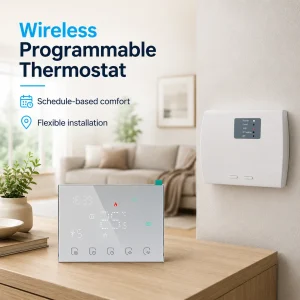
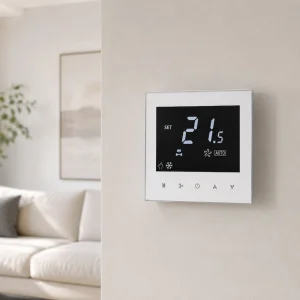
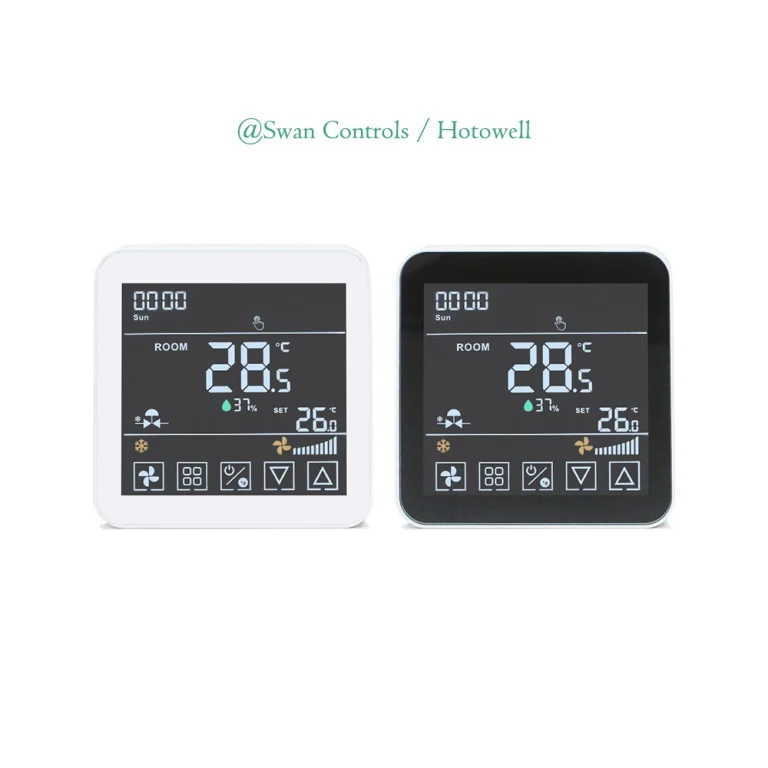
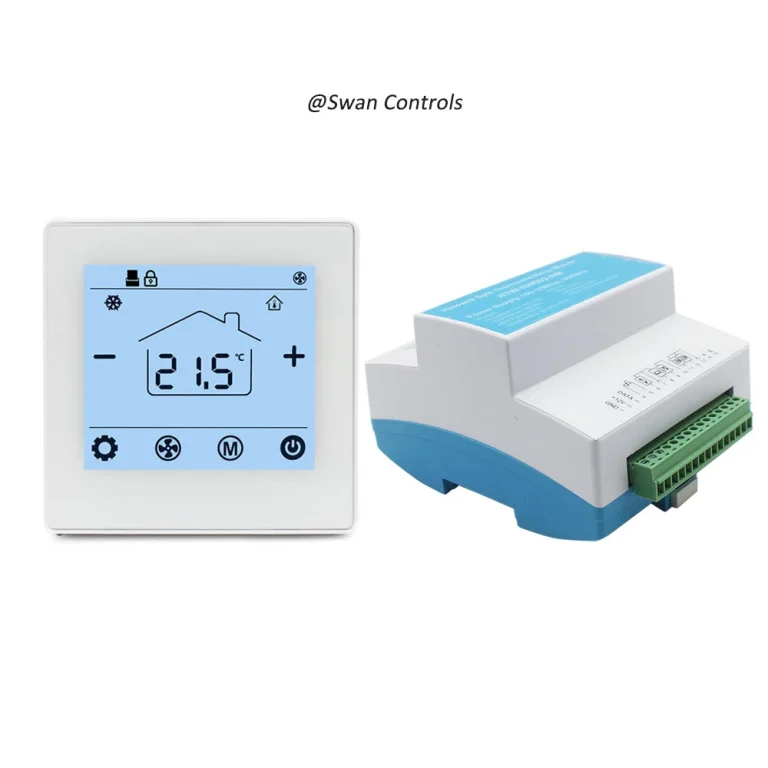
For HVAC projects, a wifi thermostat is not just a wall device with App control. It is usually a programmable thermostat with WiFi remote access added on top. The thermostat itself handles local control logic, schedules, fan and valve output, while WiFi helps users adjust supported settings more conveniently.
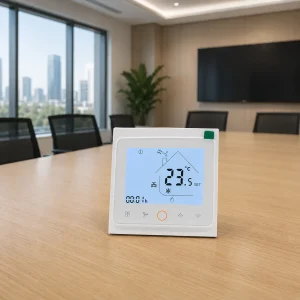
This checklist is written for project buyers, OEM partners, wholesalers, and installers who need a stable product for apartments, offices, hotels, serviced rooms, and light commercial spaces. Before confirming an order, we suggest checking the HVAC system, electrical output, local programming, WiFi connection, documents, OEM scope, and possible BMS needs.
Why Project Buyers Need a Checklist
Many project questions sound simple at the beginning. Can this model connect to the App? Can the user change the temperature from a phone? Does it support weekly schedules? Can it work with our fan coil unit? Can we print our logo on the front panel?
These questions are connected, but they do not belong to the same level. App control is a user feature. Weekly scheduling is a local programmable logic. Logo printing is OEM branding. Fan coil compatibility is a system and wiring issue. If these points are mixed together, the buying process becomes unclear.
HVAC is also a broad field. A thermostat may be used for fan coil units, electric heating, water heating, boiler control, heat pumps, package units, or building management systems. These applications may all belong to HVAC, but they do not use the same voltage, output, terminal design, or control sequence.
In this article, we mainly use fan coil thermostats as examples. The same checklist logic, however, can also help with other thermostat projects, but the final model still needs to match the actual equipment on site.
A clear checklist helps reduce wrong samples, unclear communication, installation delays, and avoidable after-sales complaints. It also helps distributors and OEM partners separate technical matching, WiFi value, and branding requirements before confirming an order.
What Should We Check for Selecting a Wifi Thermostat?
Checklist Item 1: Confirm the HVAC System First
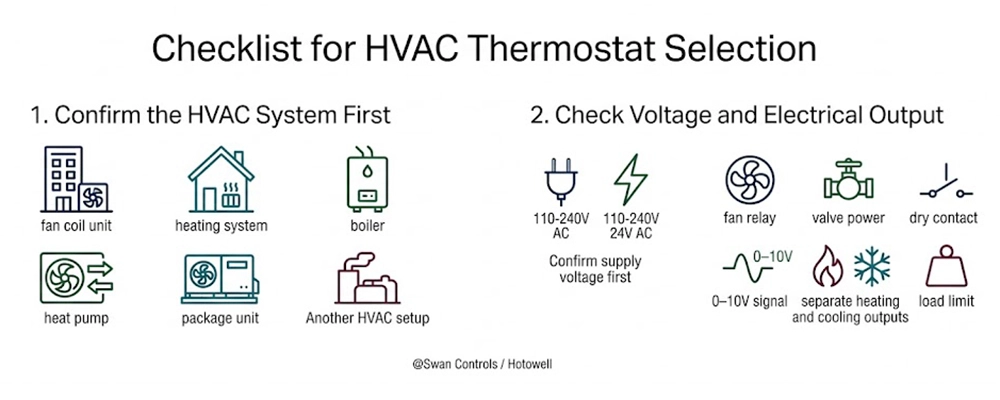
The first check is the equipment behind the wall controller. This means the buyer should identify whether the project uses a fan coil unit, heating system, boiler, heat pump, package unit, or another HVAC setup.
For fan coil projects, the key details are usually 2-pipe or 4-pipe, 3-speed fan or EC fan, and on/off valve or modulating valve. A basic relay model cannot replace a controller for EC fan or 0–10V valve control. For heating projects, the buyer may need electric floor heating, water heating, boiler, or 24V HVAC control. These products may look similar, but their wiring and output logic are different.
If the project needs a simple 3-speed fan, 2-pipe on/off valve control, and local programming without remote App use, our HTW-WF11-FC-2 2-pipe standalone room thermostat for fan coil units can be checked as a practical programmable option.
This check gives the rest of the selection process a clear starting point. After the equipment type is clear, the buyer can compare electrical output, local programming, WiFi access, documents, and OEM scope more accurately.
Checklist Item 2: Check Voltage and Electrical Output
After the HVAC system is clear, the next step is the electrical layer. This part is not as visible as the screen, but it is often more important for installation.
Project buyers should confirm the supply voltage first. Some markets use 110–240V AC models. Some HVAC applications need 24V AC control. Then we need to check output type: fan relay, valve power, dry contact, 0–10V signal, separate heating and cooling outputs, and load limit. These questions should be checked before sample approval, not after installation.
A wifi thermostat may look simple on a catalogue page, but the wiring terminal tells us what it can actually do. For this reason, Swan Controls usually asks partners for the system type, voltage, fan type, valve type, and wiring expectation before recommending a model. It saves time for both sides.
If this step is missed, the risk is not only poor user experience. It may cause failed installation, incorrect fan operation, wrong valve control, or unsafe wiring. For project business, these problems are much more costly than checking the output in advance.
Checklist Item 3: Confirm the Local Programmable Thermostat Logic
Once the system and output are confirmed, the next question is local control. This is the foundation of a good programmable thermostat. WiFi may improve user access, but the room device should still work as a stable local controller.
Project buyers should check the schedule type, such as 7-day programming, 5+2, 6+1, or full 7-day modes. They should also check time periods per day, temporary override, and memory after power failure. Temperature calibration, parameter lock, child lock, and anti-freeze protection may also matter in public rooms, rental units, offices, or cold markets.
This is why we do not treat App control as the whole product. A reliable programmable thermostat should handle the daily control logic even when WiFi is not connected. In real projects, this is a safer foundation for comfort, energy use, and after-sales service.
For example, an office may need regular working-hour schedules. A rental room may need simple local control and limited parameter changes. A serviced apartment may need a balance between comfort and energy saving. These needs are not created by the App. They must be supported by the thermostat logic itself.
Checklist Item 4: Add WiFi Remote Access as a Value Layer
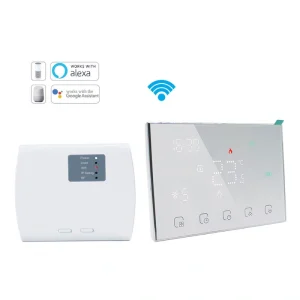
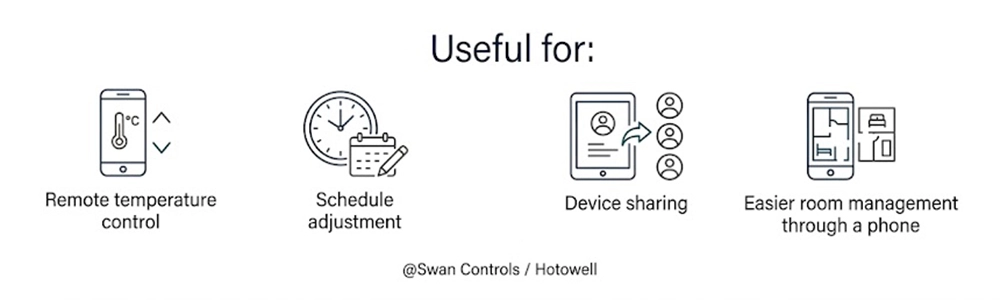
After the local control is clear, WiFi can be considered as an added access layer. It is useful when users or managers need remote temperature control, schedule adjustment, device sharing, or easier room management through a phone.
For example, an apartment user may want to turn on heating or cooling before arriving home. A small office manager may want to adjust the schedule without walking to each wall device. A rental property owner may want a clearer user experience through an App. In these cases, a wifi thermostat can add real value.
But project buyers should also prepare for common WiFi questions. Many models use 2.4GHz WiFi for pairing, so the manual should explain this clearly. The App guide should include reset steps, pairing steps, device sharing, router change guidance, and administrator setup. These points may look small, but they reduce repeated service questions after delivery.
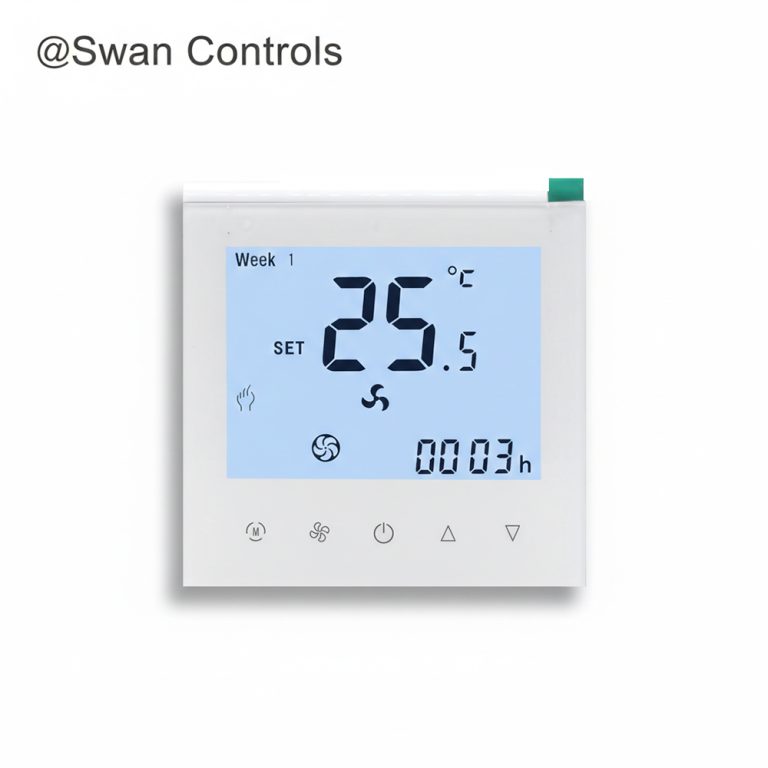
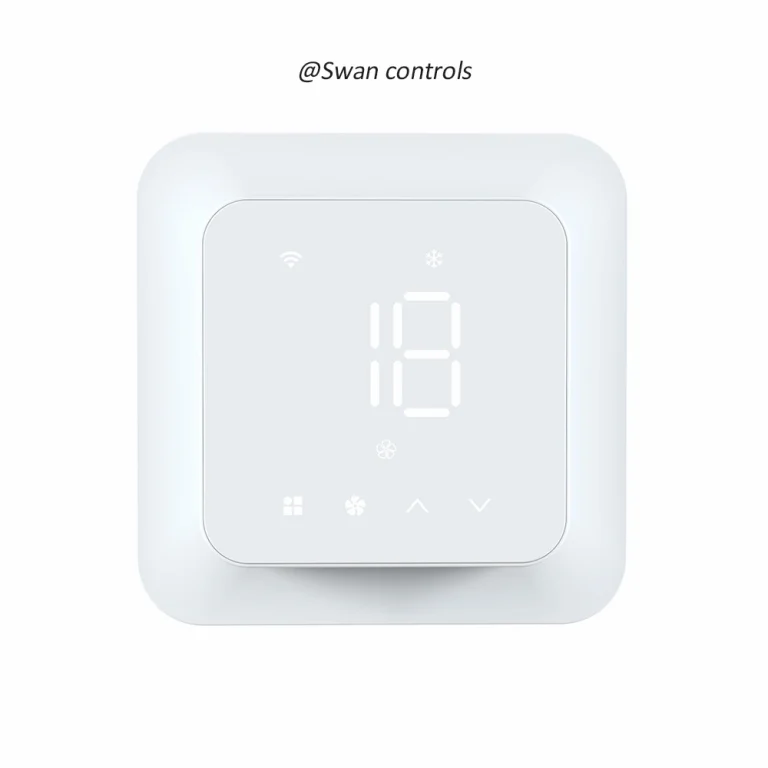
For projects that need 3-speed fan, 2-pipe on/off valve control, and remote App access, buyers can review our HTW-WF01-FC-2W smart WiFi thermostat for 2-pipe fan coil systems as a suitable model direction.
Checklist Item 5: Check Project Application Requirements
The same checklist may have different weight in different projects. A hotel, an apartment, and an office may all use wall thermostats, but their real concerns on hardware configurations are not always the same.
- For apartments and rental rooms, local user operation and clear parameter restrictions matter. We need to check if the device supports temperature range limits to avoid excessive heating or cooling by tenants.
- For offices and small commercial rooms, local schedules often matter more because they reduce repeated manual adjustment.
- For hotels, we should check if the model supports external keycard inputs or window contact sensors to maximize local energy saving when rooms are unoccupied.
- For wholesale and distributor channels, we ensure the product has a clear selling point. The model should be easy to explain, easy to compare, and easy to reorder. A smart function is useful only when the product still matches the real HVAC system parameters.
Checklist Item 6: Check Installation, Wiring, and User Documents
A good project product is not only the device. It also includes the documents that help the installer, distributor, and end user use the device correctly.
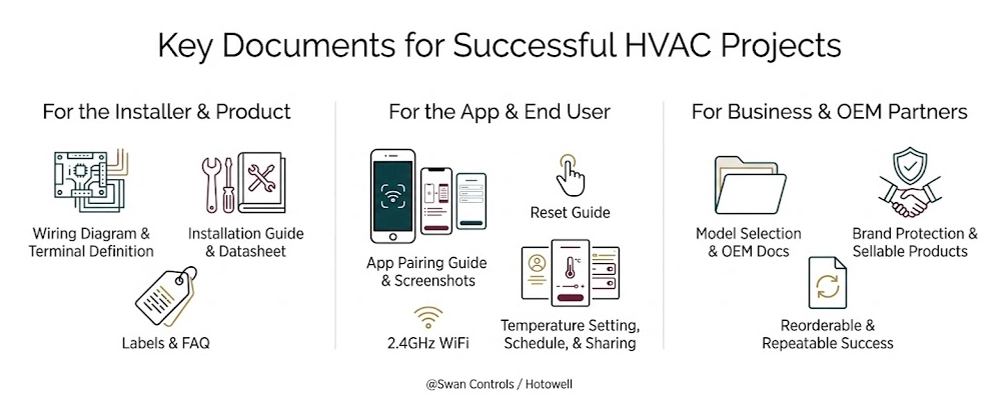
Project buyers should check whether the supplier can provide a wiring diagram, terminal definition, installation guide, App pairing guide, reset guide, datasheet, labels, and after-sales FAQ. Manual language also matters. For a wifi thermostat, App screenshots help explain pairing, sharing, temperature setting, schedule editing, and troubleshooting. If 2.4GHz WiFi is required, it should be easy to notice.
Swan Controls can support partners with model selection documents, wiring information, App operation explanation, and OEM documentation. These materials help make the product more sellable, installable, and reorderable.
Clear documents also protect the buyer’s brand. If installers understand the wiring and end users understand the App process, the product creates fewer avoidable complaints. For OEM and wholesale partners, this support can be as important as the device itself.
Checklist Item 7: Confirm OEM and Market Requirements
For OEM and wholesale business, the thermostat must fit both the technical system and the target market. OEM does not only mean putting a logo on the product. It also means making the product easier to sell and support under the buyer’s brand.
Common OEM scope may include logo printing, front panel marking, model code, box label, barcode, user manual, datasheet, product photo, default setting, and language version. These items help the buyer build a clearer product line. However, OEM branding does not change HVAC compatibility. Special firmware, private App needs, new control logic, or new communication combinations belong to advanced customization and should be discussed separately.
This distinction is important. It keeps the discussion practical and prevents confusion between branding, documentation, and real control functions. If a buyer only needs private label support, the process may be simpler. If the buyer needs a new control sequence, a different communication structure, or private App development, we can review the project as a deeper customization request.
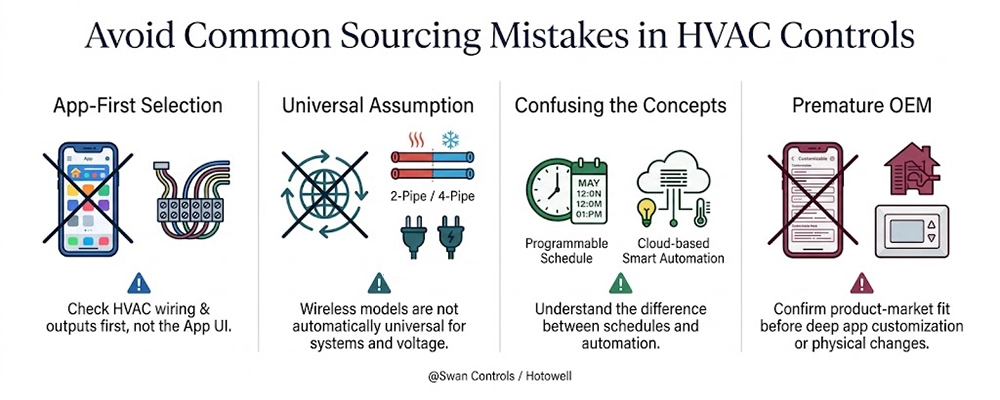
Checklist Item 8: Avoid Common Sourcing Mistakes
To protect your project budget, our engineering team suggests checking these frequent selection mistakes before finalising orders:
- App-First Selection: Choosing a connected model by App UI before checking the physical HVAC wiring and outputs.
- Universal Assumption: Assuming every wireless model automatically supports 2-pipe/4-pipe systems or 24V/230V voltage variations.
- Confusing the Concepts: Treating standard programmable thermostat schedules as identical to cloud-based smart automation.
- Premature OEM: Demanding deep App customization or housing changes before confirming product-market fit on standard hardware platforms.
Checklist Item 9: When a Wifi Thermostat Is the Right Choice
A wifi thermostat is the right choice when remote access adds value on top of correct local control. It is suitable when the end user needs App control, when the room schedule may change, or when the buyer wants a more modern product for a smart HVAC product line.
It is often useful for apartments, rental rooms, private offices, small commercial spaces, and light project applications. In these cases, remote temperature setting and schedule adjustment can improve convenience. For wholesale channels, WiFi can also make the product easier to explain and promote.
For projects that need 3-speed fan, 2/4-pipe on/off valve control, Modbus, WiFi, and remote sensor support in one direction, partners may check our HTW-WF11-FC-4ENS1W 2-pipe and 4-pipe HVAC thermostat with WiFi, Modbus, and remote sensor support.
Checklist Item 10: When BMS, Modbus, or BACnet May Be Better
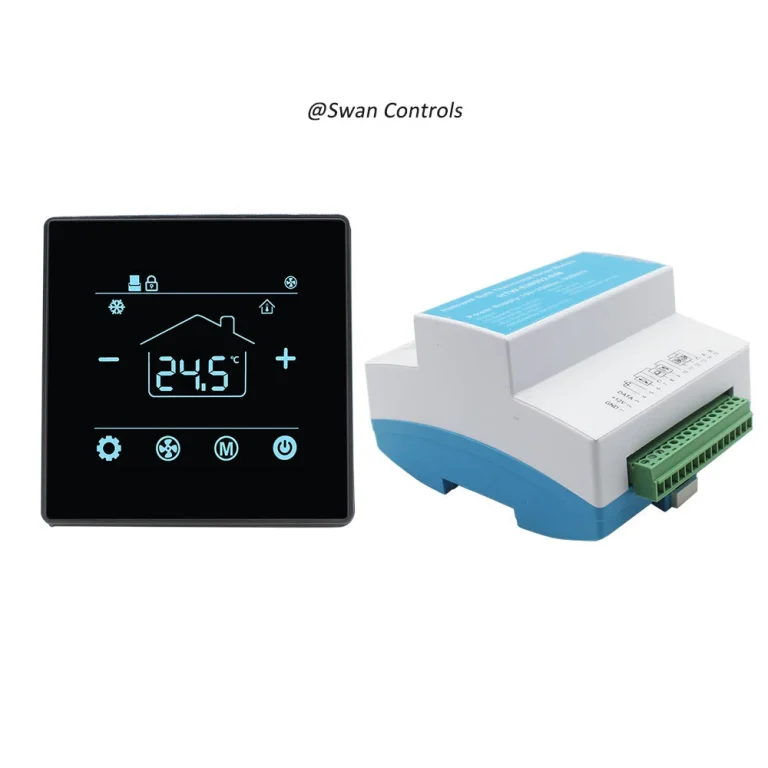
Before choosing another direction, it helps to understand the basic terms. BMS means Building Management System. It monitors and manages building equipment from a central platform. Modbus and BACnet are common communication protocols for thermostats, controllers, gateways, and building systems. If the project needs central monitoring, RS485 networking, data points, group control, or facility management, a Modbus or BACnet model may be more suitable.
For example, if the project needs EC fan control, WiFi, Modbus, keycard input, external sensor support, and 2/4-pipe on/off valve control, our HTW-FC08-ECNW smart thermostat may be a better model direction than a basic room thermostat.
If the project does not need WiFi and prefers RS485 Modbus with external sensor support, buyers can review our HTW-WF11-FC-2EN RS485 Modbus stable room thermostat with external sensor. If the building platform uses BACnet, our HTW-WF11-FC-EB BACnet 2/4-pipe FCU thermostat with external sensor can also be considered.
This does not mean WiFi is less useful. It means the right communication method depends on the project. WiFi is usually more user-side. BMS communication is usually more building-side. When both are needed, the model should be checked carefully before order confirmation.
Practical Project Checklist Table
The following checklist can be used before sample order or project confirmation. It helps the buyer collect the right information before asking for a model recommendation.
| Checklist Point | What to Confirm | Why It Matters |
|---|---|---|
| System Type | Fan coil, heating, boiler, heat pump, or other HVAC application | It avoids choosing the wrong product platform. |
| FCU Hardware | 2/4 pipe system, 3-speed/EC fan, On-Off/0-10V modulating valve | It dictates correct internal relay wiring and output logic. |
| Voltage | 110–240V AC, 24V AC, or other project requirement | It prevents field installation failure and product burnout. |
| Local Programming | Schedule, time periods, memory, override, lock, and calibration | It ensures stable room control when network goes offline. |
| WiFi Requirement | App control, 2.4GHz pairing, device sharing, and reset guidance | It reduces user complaints and returns after delivery. |
| Documentation | Wiring diagram, manual, datasheet, labels, and App guide | It streamlines contractor wiring and local support setup. |
| OEM Scope | Logo, model code, package, manual, barcode, and default settings | It supports brand consistency and wholesale channels. |
| Communication Need | WiFi, Modbus, BACnet, or mixed communication requirement | It ensures correct building automation architecture matching. |
What We Recommend Before Ordering
Before ordering, we suggest following one simple path: system first, electrical output second, local programming third, WiFi remote access fourth, and OEM documents last. This order helps the buyer avoid attractive but unsuitable models.
When partners contact Swan Controls, useful information includes project country, building type, HVAC system, voltage, fan type, valve type, quantity, manual language, App requirement, and OEM scope. We do not suggest choosing only by price or screen style. For B2B orders, the better choice is the model that can be installed correctly, explained clearly, supported after delivery, and repeated in future orders.
For OEM, manufacturer, supplier, and wholesale projects, this method also makes communication faster. The buyer can compare models by real project fit, not only by catalogue wording. It also helps us recommend a more suitable solution with fewer rounds of correction.
FAQ
1- Is a wifi thermostat the same as a programmable thermostat?
Not exactly. A wifi thermostat usually includes programmable thermostat functions plus remote access through an App. The local thermostat controls the HVAC logic, while WiFi makes supported settings easier to view and adjust from a phone.
2- Can a wifi thermostat work without WiFi?
In many cases, yes. The thermostat should still control temperature locally if WiFi is not connected. However, remote App control, device sharing, and cloud-based functions will not work without network connection.
3- Why should system type be checked before App function?
System type decides whether the thermostat can control the real HVAC equipment. If the project needs fan coil control, heating control, EC fan output, or 4-pipe logic, these must be checked before App features. App control cannot fix a wrong product platform.
4- What programmable functions should project buyers confirm?
Project buyers should check weekly schedule, daily time periods, temporary override, temperature calibration, parameter lock, power-off memory, and anti-freeze or child lock if needed. These functions affect daily comfort and after-sales stability.
5- Does WiFi control replace local thermostat logic?
No. WiFi is an access layer. It allows remote operation of supported functions, but it does not replace the local control logic, wiring output, sensor logic, or system compatibility of the thermostat.
6- What WiFi setup issue causes many complaints?
The most common issue is pairing. Many products need 2.4GHz WiFi, and users may not notice this. Clear manuals, reset steps, router change guidance, and device sharing instructions can reduce complaints.
7- Can Swan Controls support OEM wifi thermostat projects?
Yes. Swan Controls can support OEM branding, model selection, manual adjustment, label design, datasheet preparation, product photos, default setting discussion, and project documents. Advanced function changes should be checked separately.
8- When should we choose Modbus or BACnet instead of WiFi?
Choose Modbus or BACnet when the project needs building-level communication, central monitoring, RS485 networking, data points, BMS integration, or facility management. WiFi is better for user-side remote access, not full building control.
Final NoteSelecting a wifi thermostat for a project should not start from the App alone. The safer method is to confirm HVAC system compatibility, electrical output, local programmable thermostat logic, WiFi remote access, and project documents in the right order. Swan Controls can help partners choose suitable thermostat solutions for OEM, wholesale, and project needs.
Copyright © Swan Controls / Hotowell. All rights reserved. This article is written and published by Swan Controls, an affiliate of Hotowell, for HVAC project buyers, OEM partners, wholesalers, and distributors. Reproduction or commercial use without permission is not allowed.