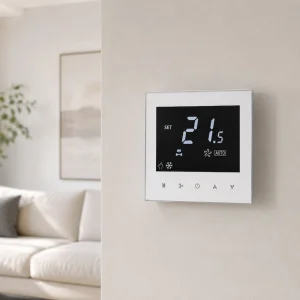
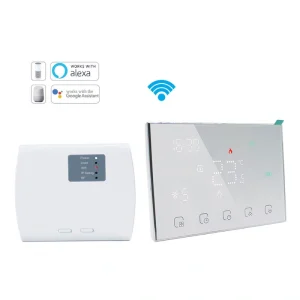
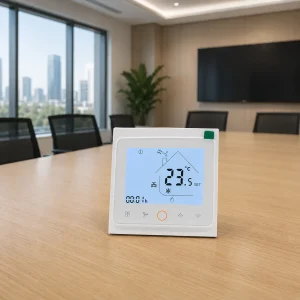
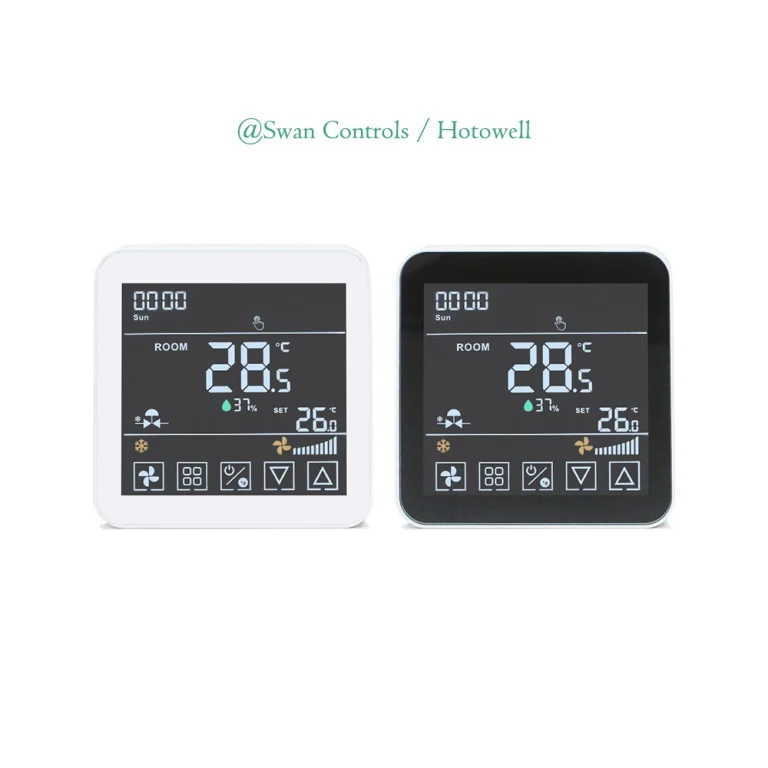
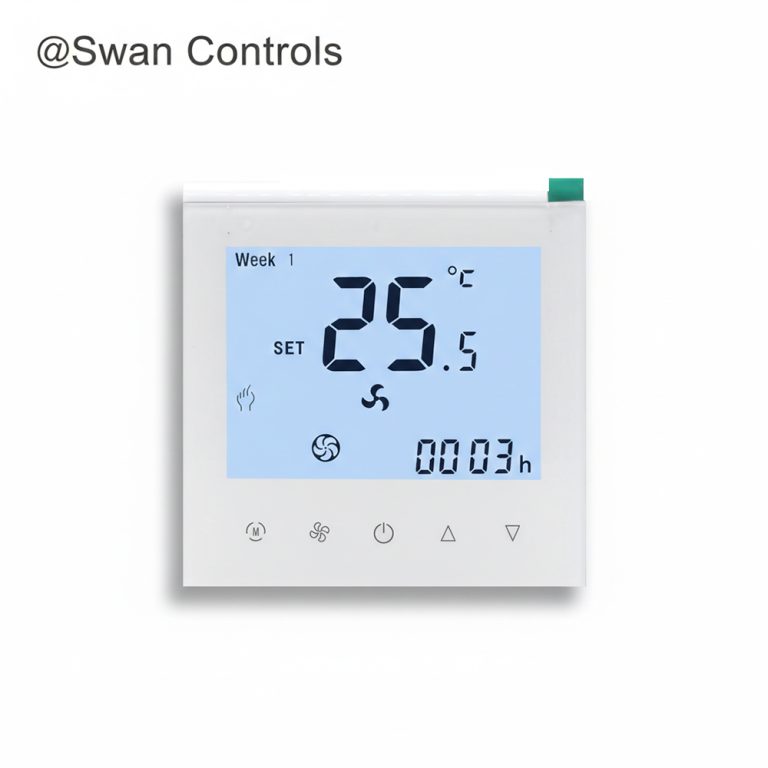
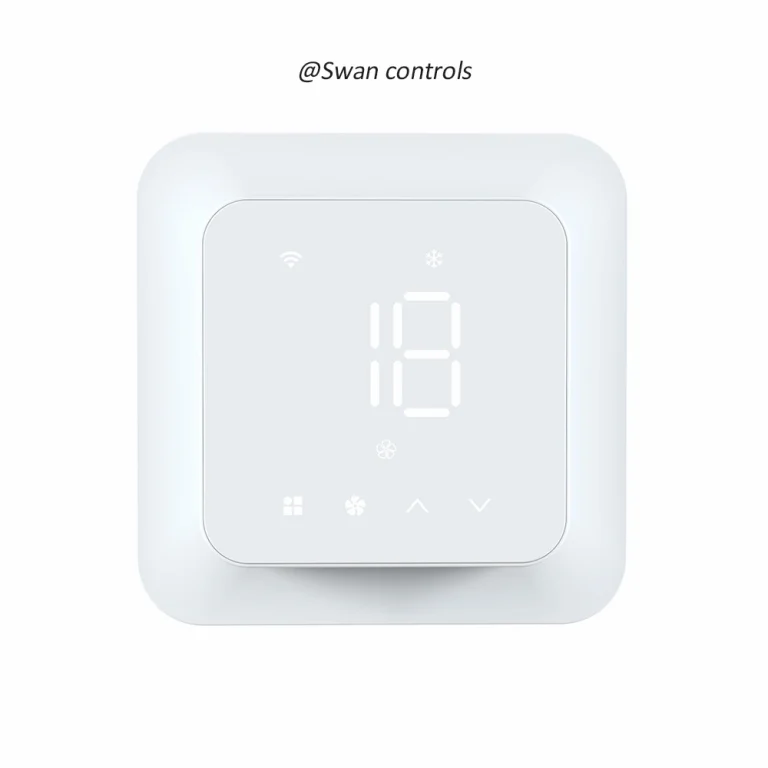
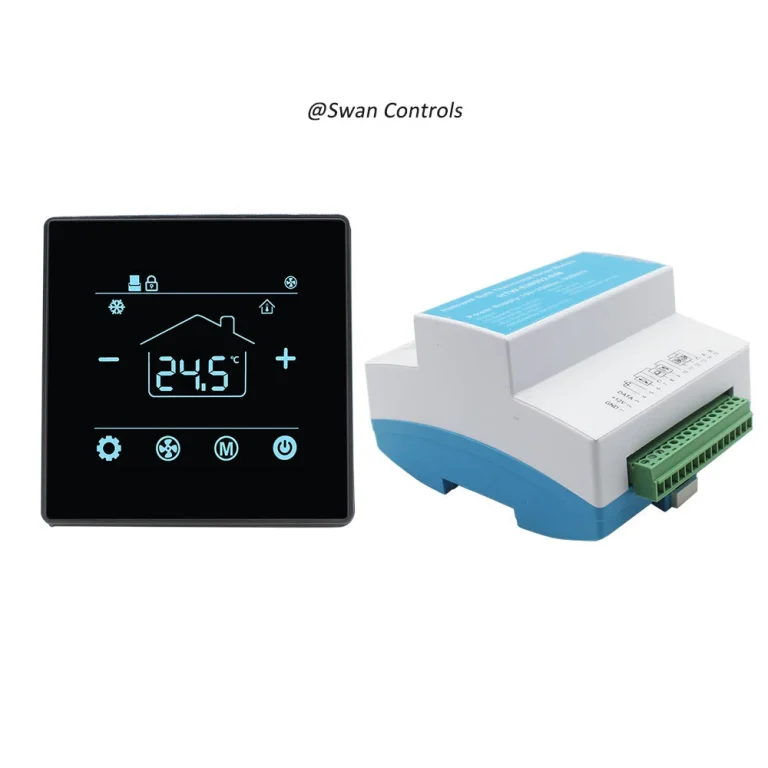
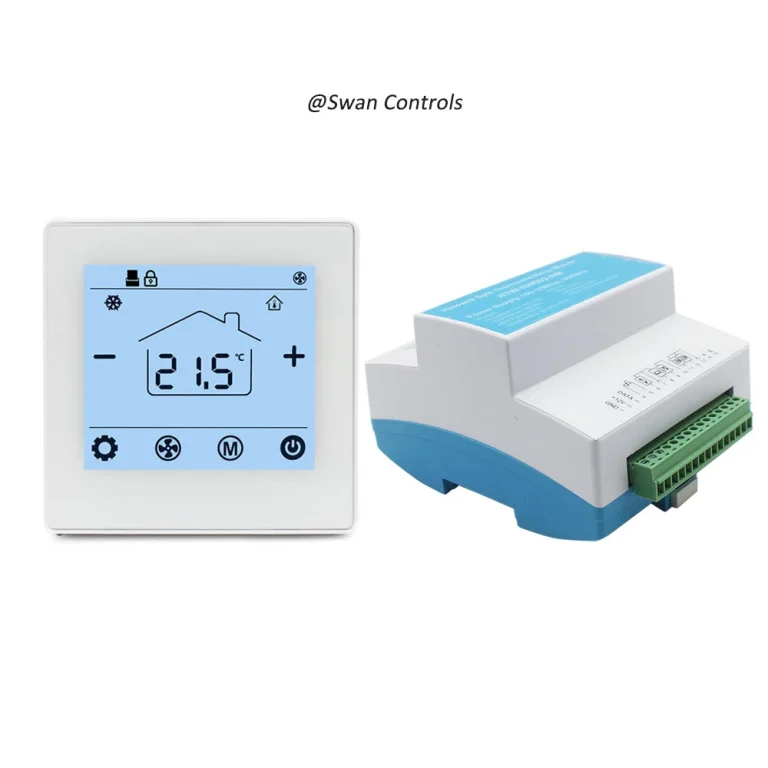
Quick Summary
A digital thermostat does more than turn heating or cooling on and off. Its settings affect how quickly a room responds, how stable the temperature feels, how often equipment starts, and how much energy the HVAC system uses during daily operation.
A room thermostat can be correctly selected and wired, but still perform poorly if the settings are not suitable for the project. Setpoint, deadband, fan mode, valve output, schedule, sensor calibration, floor limit, and BMS limits all affect the final user experience.
This article focuses on fan coil units, heat pump systems, conventional HVAC systems, EC fan projects, hotel rooms, offices, apartments, and electric heating applications. It explains how settings influence comfort, stability, and energy use after installation.
A contractor says:
“The wiring is correct, but the guest still says the room is too cold.”
A hotel operator says:
“The system works, but energy use is higher than expected.”
A homeowner says:
“The app is easy to use, but the heating feels unstable.”
In many cases, the problem is not the product itself. The real issue is that the digital thermostat settings were not adjusted for the room, system type, user behaviour, or building operation.
What Settings Matter Most?
| No. | Setting Area | Main Effect |
|---|---|---|
| 1 | Setpoint | Defines the comfort target |
| 2 | Deadband or differential | Affects cycling and temperature stability |
| 3 | Fan mode | Affects noise, airflow, and response speed |
| 4 | Heating and cooling mode | Affects system changeover and control logic |
| 5 | Schedule and setback | Affects energy use during unoccupied periods |
| 6 | Sensor calibration | Affects temperature accuracy |
| 7 | Valve and output settings | Affects FCU and modulating control stability |
| 8 | Floor limit | Protects electric heating applications |
| 9 | BMS limits and lock settings | Prevents misuse in commercial buildings |
These settings should be reviewed during commissioning. A room thermostat should not be left with default values if the project has specific comfort, energy, or control requirements.
It also helps the buyer understand why a digital thermostat may work electrically but still feel wrong to the occupant.
Start with Setpoint: Comfort Is Not Only One Temperature
Setpoint is the temperature the user wants the room to reach. It sounds simple, but it is one of the most important settings.
If the setpoint is too low in cooling mode, the system may run longer, use more energy, and make occupants feel cold. If the setpoint is too high in heating mode, energy use can rise quickly, especially in residential or electric heating projects.
A digital thermostat should allow a practical setpoint range. In many hotel, office, and apartment projects, the project owner may want to limit how far users can adjust the temperature. This helps avoid extreme settings that increase energy use or create complaints.
ASHRAE Standard 55 explains that thermal comfort depends on several factors, including temperature, humidity, air speed, radiant temperature, clothing, and activity level. This means comfort cannot be controlled by setpoint alone, but setpoint is still the user’s most visible control point.
For a room thermostat, a practical approach is to set reasonable limits. For example, hotel rooms may allow guests to adjust within a controlled range, while public areas may use a narrower range. A room thermostat in a guest room should support comfort without giving users unlimited control that affects the whole building.
Deadband and Differential: Small Settings That Affect Stability
Deadband and differential settings decide when heating or cooling starts and stops. These values are small, but they have a large impact on comfort and equipment behaviour.
If the deadband is too tight, the system may start and stop too often. This can create noise, reduce stability, increase wear, and make users feel that the room is never calm. If the deadband is too wide, the temperature may swing too much before the system reacts.
A digital thermostat with a balanced differential can reduce unnecessary cycling while keeping the room within a comfortable range. The right value depends on the system type, room size, sensor position, and control output.
For simple on/off valve FCU projects, a slightly wider differential may prevent frequent valve movement. For 0–10V valve or EC fan projects, smoother output can allow more stable control with less noticeable temperature swing.
The U.S. Department of Energy notes that setting a thermostat back 7°–10°F for 8 hours a day can save up to 10% annually on heating and cooling. This does not mean every room should use aggressive settings. It means temperature control and operating periods have real energy impact.
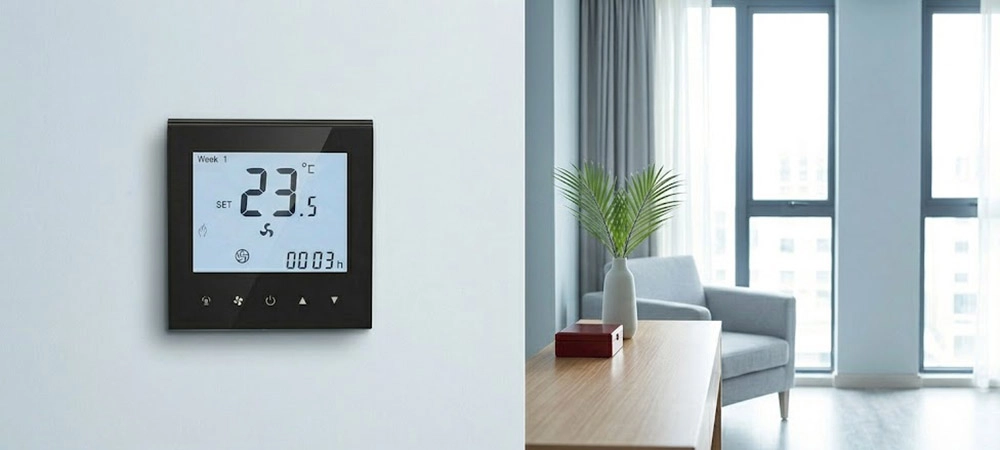
Fan Mode and Fan Speed Settings
Fan settings directly affect how a room feels. They also affect noise, air movement, and response speed.
A room thermostat may offer Auto, Low, Medium, High, or EC fan control. Auto mode can reduce unnecessary fan operation, while manual speed selection gives users more direct control. In hotels and offices, fan noise is often as important as temperature.
For a standard 3-speed fan coil unit, the thermostat may switch low, medium, and high fan relays. For an EC fan, the controller may need 0–10V output for smoother airflow. The setting strategy should match the fan type.
If a digital thermostat keeps fan speed too high, users may complain about noise or draft. If fan speed is too low, the room may respond slowly. If Auto mode is poorly configured, the fan may change speed too often.
For EC fan projects, HTW-WF11-FVM (← please click it directly) supports 24V EC fan control with 0–10V valve control.
A digital thermostat used with EC fans should be set to match the project’s airflow and comfort needs, not only the equipment signal type.
Heating and Cooling Mode Settings
Digital thermostat mode settings decide whether the system works in heating, cooling, auto, fan only, or off mode. These settings are especially important in 2-pipe FCU systems, 4-pipe FCU systems, and heat pump projects.
In a 2-pipe FCU system, the central plant may provide either chilled water or hot water. If the thermostat allows the wrong local mode, the user may select cooling when the system is actually in heating season. This creates confusion and complaints.
In a 4-pipe FCU system, heating and cooling may be available separately. In that case, the room controller must handle mode logic correctly. Auto changeover can be useful, but only when the temperature range, deadband, and valve outputs are properly set.
A digital thermostat used in heat pump systems must also manage heating and cooling logic carefully. Reversing valve settings, AUX heat, and compressor stages should not be treated as simple mode labels.
For BACnet BMS projects that need 2-pipe or 4-pipe FCU control, HTW-31-F10-2B (← please click it directly) is a suitable BACnet option.
Schedule and Setback Settings
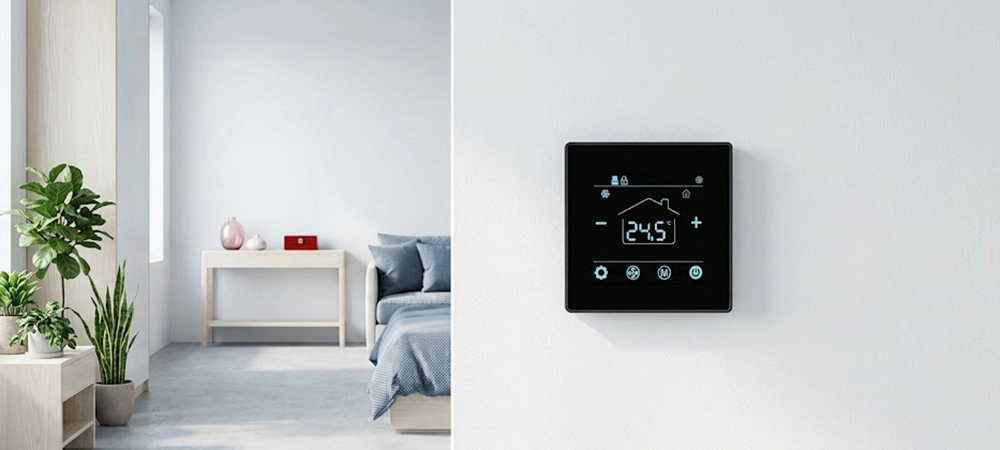
Schedule settings control when the system runs at normal comfort levels and when it moves to an energy-saving setpoint. This is one of the clearest links between comfort and energy use.
In offices, the schedule may follow working hours. In hotels, the schedule may be linked with keycard or occupancy logic. In homes, the schedule may follow sleep, work, and return-home patterns.
A room thermostat with scheduling should not be set too aggressively. If the setback is too large, the room may take too long to recover. If the setback is too small, energy saving may be limited.
ENERGY STAR reports that certified smart thermostats save about 8% of heating and cooling bills, or about $50 per year on average. Savings depend on climate, comfort preferences, occupancy, and equipment.
In hotel projects, keycard setback can reduce energy use when the room is unoccupied. But the setting should still allow the room to return to comfort quickly when the guest returns.
For hotel FCU projects that need keycard and BACnet control, HTW-WF11-FC-KB (← please click it directly) can help connect room operation with BMS logic.
Sensor Calibration and External Sensor Settings
Digital thermostat sensor settings affect every control decision. If the sensor reading is wrong, the system will control the wrong temperature.
A digital thermostat may use a built-in sensor, an external room sensor, a floor sensor, or a combination of sensors. Sensor calibration may be needed when the installed reading differs from a trusted room reference.
Poor sensor position is a common cause of complaints. A thermostat installed near sunlight, a door, supply air, an external wall, or heat-generating equipment may not reflect the real occupied zone.
A room thermostat with external sensor support is useful when the controller must be installed in one location, but temperature should be measured elsewhere. This is common in hotel rooms, offices, and FCU projects where wall location is affected by design or wiring.
For Modbus projects with remote sensor and 0–10V valve control, HTW-WF11-FC-MEN (← please click it directly) is a suitable direction.
Sensor calibration should be used carefully. It should correct real measurement error, not hide poor installation.
Valve and Output Settings for FCU Projects
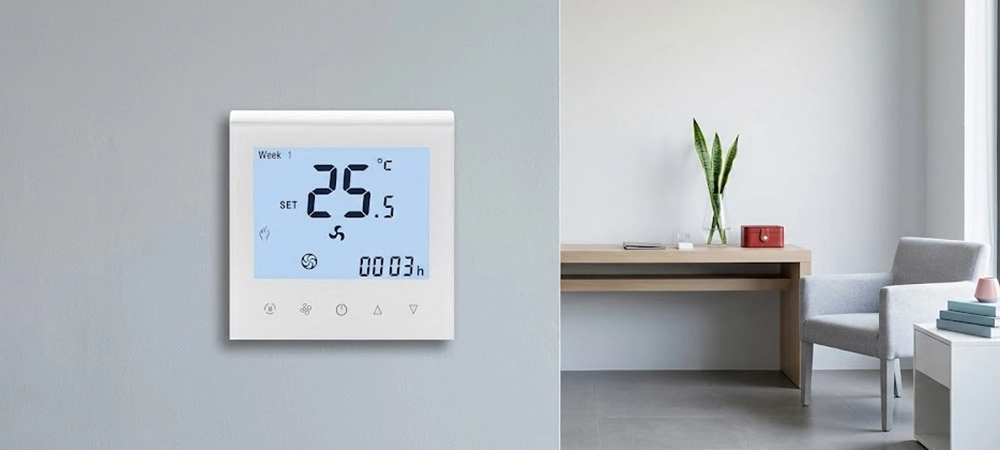
FCU stability depends strongly on valve and output settings.
A simple on/off valve opens or closes based on the control signal. A modulating valve or PICV may use 0–10V output to adjust water flow. These two control methods behave differently, so settings should match the valve type.
If an on/off valve is controlled too frequently, users may notice temperature swing or equipment noise. If a 0–10V valve is poorly configured, the system may respond too slowly or too aggressively.
A digital thermostat used for FCU valve control should be checked for output range, valve direction, minimum output, maximum output, and response time. If the project also uses BMS, the setpoint and valve status should be visible to the system integrator.
For basic local 2-pipe FCU applications, HTW-WF08-FC-2 (← please click it directly) can be used when the project does not need BMS or complex communication.
The International Energy Agency reports that energy consumption for space cooling has more than tripled since 1990. This makes stable and efficient room control more important for hotels, offices, and apartments.
Electric Heating Floor Limit Settings
Electric heating settings need special care because comfort and safety are both important.
For electric floor heating, users may focus on room temperature, but the floor sensor is also important. A maximum floor temperature limit can help protect the floor structure and improve safety. It can also prevent overheating complaints.
A digital thermostat used for electric heating should be set according to load rating, room sensor logic, floor sensor logic, and maximum floor temperature. The setting should also match the actual heating cable and installation condition.
If the floor limit is too low, the room may feel slow to heat. If it is too high, the floor may become uncomfortable or unsafe. If the sensor is missing or incorrectly wired, the controller may not protect the floor properly.
For electric underfloor heating projects, HTW-HT09-16A3 (← please click it directly) is a 16A Wi-Fi option with floor heating control.
A room thermostat used in heating projects should not rely only on app control. Load, floor sensing, and limit settings should be checked first.
BMS, Modbus, BACnet, and Lock Settings
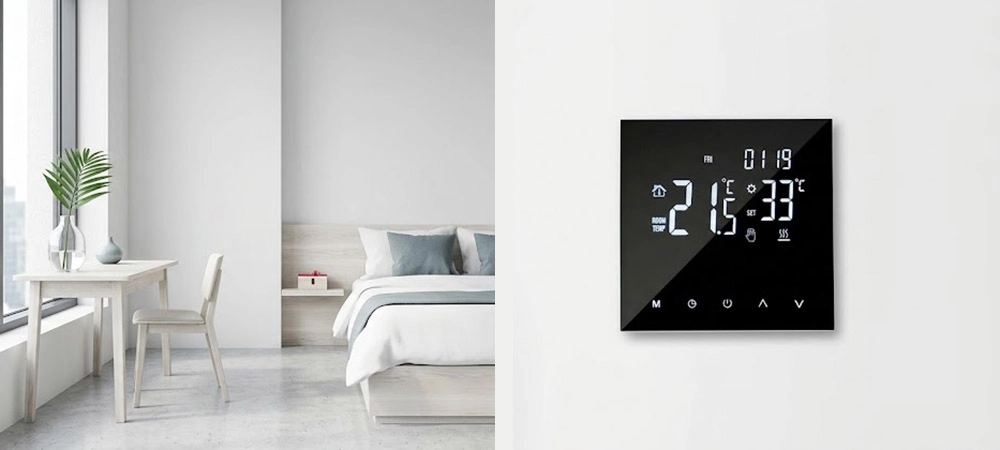
Commercial buildings often need more than local operation. The BMS may need to read room temperature, change setpoint, limit user adjustment, lock mode, or monitor valve and fan status.
If the system allows users to set extreme temperatures, energy use may increase. If the system locks too many functions, occupants may feel uncomfortable. The best room thermostat setup depends on room type and building operation.
A digital thermostat connected to BMS should have clear read/write points. The BMS team should know which values can be monitored and which values can be controlled.
BACnet is widely used for building automation and control systems, including HVAC, lighting, access, and energy management. Modbus is also common in automation projects, especially where RS485 communication is used.
For public areas, setpoint limits and mode locks can prevent misuse. For hotel rooms, the setting should balance guest comfort with energy control. For offices, the building owner may prefer setpoint limits during working hours and deeper setback after hours.
Practical Setting Examples
| Project Type | Setting Priority | Better Approach |
|---|---|---|
| Hotel FCU | Setpoint limit, keycard setback, fan noise | Use comfort range plus occupancy-based setback |
| Office EC fan | Fan response, 0–10V output, schedule | Use stable Auto mode and moderate setpoint limits |
| Heat pump system | O/B logic, AUX heat, stage control | Avoid early AUX heat and confirm mode sequence |
| Electric floor heating | Floor limit, load, schedule | Balance room comfort with floor protection |
| BMS project | Setpoint lock, mode lock, data points | Confirm read/write points before commissioning |
These examples show that good settings are project-based. A hotel room, office, home, and public area should not always use the same values.
How to Adjust Settings During Commissioning
Commissioning is the best time to tune the settings. It should not be skipped after installation.
First, confirm that the equipment responds correctly. Heating should heat. Cooling should cool. The fan should follow the selected mode. The valve should respond to demand.
Second, compare the displayed temperature with a reliable room reference. If there is a clear difference, check the sensor position before changing calibration.
Third, test the deadband, fan mode, and schedule. The room should not cycle too often, respond too slowly, or create noticeable airflow complaints.
Fourth, confirm user limits. A hotel guest, office worker, and homeowner should not all have the same level of control.
A digital thermostat should be tested under realistic operating conditions. Quick power-on testing is not enough.
Common Setting Mistakes to Avoid
| Mistake | Result | Better Setting Logic |
|---|---|---|
| Setpoint range too wide | Energy waste or comfort complaints | Use project-based limits |
| Deadband too tight | Frequent cycling | Use balanced differential |
| Fan always high | Noise and draft | Use Auto or lower default speed |
| Schedule too aggressive | Slow recovery | Use reasonable setback |
| Sensor offset misused | Wrong temperature reading | Check installation first |
| Floor limit ignored | Heating discomfort or safety concern | Use floor sensor protection |
| BMS lock too strict | User complaints | Allow controlled adjustment |
Most complaints do not come from one setting alone. They often come from several small settings working against each other.
FAQ
What digital thermostat settings affect room comfort most?
Setpoint, deadband, fan mode, sensor calibration, and schedule usually affect room comfort most. These settings decide how quickly the room responds, how stable the temperature feels, and how much control the user has.
How does deadband affect HVAC stability?
A very tight deadband can make equipment start and stop too often, while a very wide deadband can cause noticeable temperature swing. A balanced deadband helps improve stability and reduce unnecessary cycling.
Why does fan mode matter in FCU projects?
Fan mode affects airflow, noise, and room response speed. Auto mode can reduce unnecessary fan operation, while manual speed control gives users more direct control. The best setting depends on the room type and fan system.
Can thermostat schedule settings save energy?
Yes. Schedule and setback settings can reduce heating or cooling during unoccupied periods. However, the setback should not be too aggressive, or the room may take too long to return to comfort.
Should sensor calibration be adjusted during commissioning?
Sensor calibration should be adjusted only after checking the installation position and comparing the reading with a reliable room reference. Calibration should correct real measurement error, not hide poor sensor placement.
Final Note / Practical Takeaway
A digital thermostat can improve comfort, stability, and energy use only when its settings match the project.
Setpoint affects comfort. Deadband affects stability. Fan mode affects noise and airflow. Schedule affects energy use. Sensor calibration affects accuracy. Valve output affects FCU response. Floor limit affects electric heating safety. BMS limits affect user behaviour.
A room thermostat should not be commissioned with default values without review. The best setting is not always the coldest, warmest, fastest, or most restricted one. The best setting is the one that matches the room, equipment, occupancy, and project goal.
For project support, buyers should confirm the system type, control output, sensor needs, communication method, and user control limits before final commissioning. This reduces complaints and helps the HVAC system work as intended.
References / Sources
- U.S. Department of Energy, “Programmable Thermostats.” https://www.energy.gov/energysaver/programmable-thermostats
- ENERGY STAR, “Smart Thermostats FAQs for EEPS.” https://www.energystar.gov/products/heating_cooling/smart_thermostats/smart_thermostat_faq
- ASHRAE, “Standard 55: Thermal Environmental Conditions for Human Occupancy.” https://www.ashrae.org/technical-resources/bookstore/standard-55-thermal-environmental-conditions-for-human-occupancy
- International Energy Agency, “Space Cooling.” https://www.iea.org/energy-system/buildings/space-cooling
- ENERGY STAR, “Smart Thermostats.” https://www.energystar.gov/products/smart_thermostats
- ENERGY STAR, “Air Source Heat Pumps.” https://www.energystar.gov/products/air_source_heat_pumps
- ASHRAE, “BACnet™, the ASHRAE Building Automation and Control Networking Protocol.” https://www.ashrae.org/technical-resources/bookstore/bacnet
- BACnet International, “About the BACnet Standard.” https://bacnet.org/about-bacnet-standard/
- Modbus Organization, “Modbus Organization.” https://www.modbus.org/
- International Energy Agency, “The Future of Cooling.” https://www.iea.org/reports/the-future-of-cooling
Copyright © Swan Controls. All rights reserved. This article is written and published by Swan Controls. The content may not be copied, rewritten, or reused for commercial purposes without permission.
For room thermostat selection or project support, please feel free to get in touch with Swan Controls.