Quick Summary
Choosing a smart thermostat is not about buying the model with the longest feature list. In real HVAC and heating projects, the price gap usually comes from three areas: screen design, output type, and support for other functions. Output type matters most because it determines which systems the thermostat can actually control, such as fan-coil units, electric heating, water heating, boiler heating, or heat pump systems.
Before paying more for a wifi thermostat, we should ask what the app can actually control, which functions are already standard, which functions require customisation, and whether those custom functions are necessary. This helps distributors, OEM buyers, and project contractors avoid paying for private apps, BMS + WiFi combinations, or complex menus that may not create real value.
“We want to customise our own app.”
“Of course, we can discuss that. Is this for a project, or are you preparing a retail product line?”
“Maybe both. We want the thermostat to look more professional.”
“That makes sense. Before we start with a private app, let’s confirm the target market, expected order volume, user type, and whether you have a long-term app maintenance plan.”
This is a common starting point. Many buyers begin with “smart”, but the real cost is not always inside the app. A private app may look attractive for an OEM thermostat project, but if the product platform has not been tested, app customisation adds cost before the product value is proven.
A smart thermostat adds value when it supports remote control, schedule settings, and better user operation. ENERGY STAR explains that only smart thermostats earning its label are independently certified based on field data for energy savings, so this is an external reference for connected control value, not a claim for every product on the market.
For B2B purchasing, “smart” should not be treated as one fixed feature. A thermostat must still match the system, output logic, wiring method, user operation, and after-sales support. The better question is not “Do you have a smart thermostat?” It is: “Which function does this project really need?” The right smart thermostat is the one that fits the project, not the one with the most feature names.
Why the Same Thermostat Category Has Different Prices
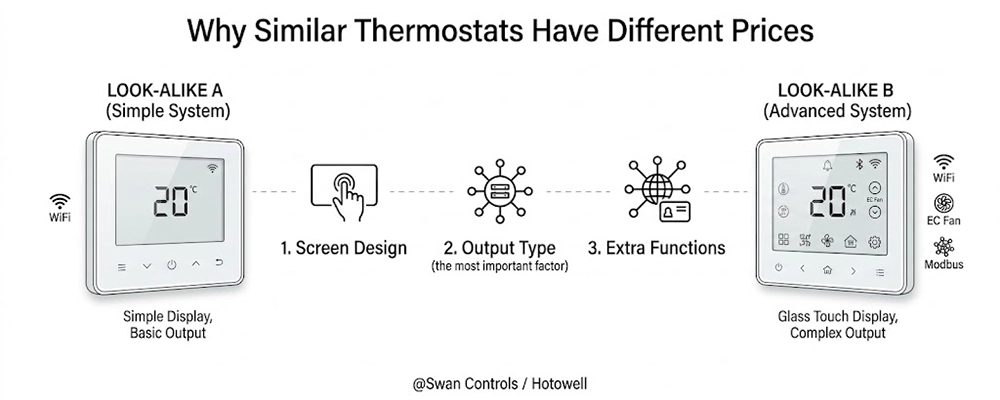
Two thermostat models may look similar from the front. Both may have a screen, app control, and a smart thermostat description in a catalogue. But the internal configuration can be very different.
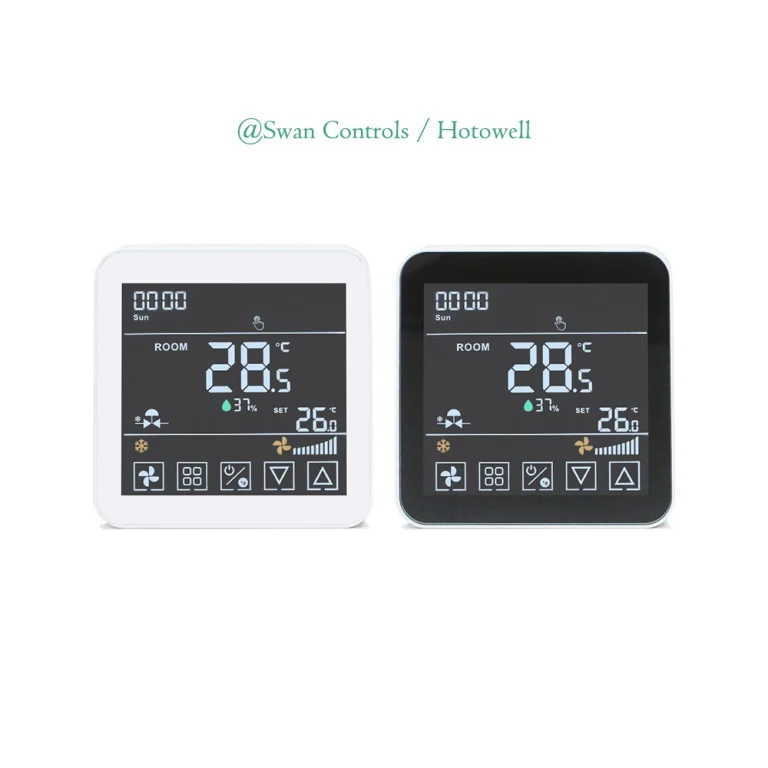
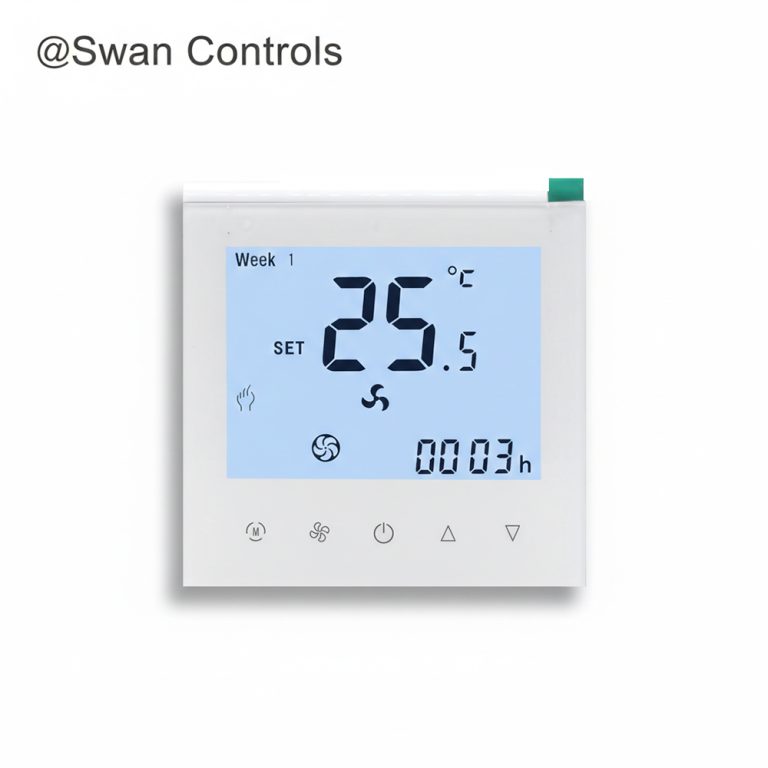
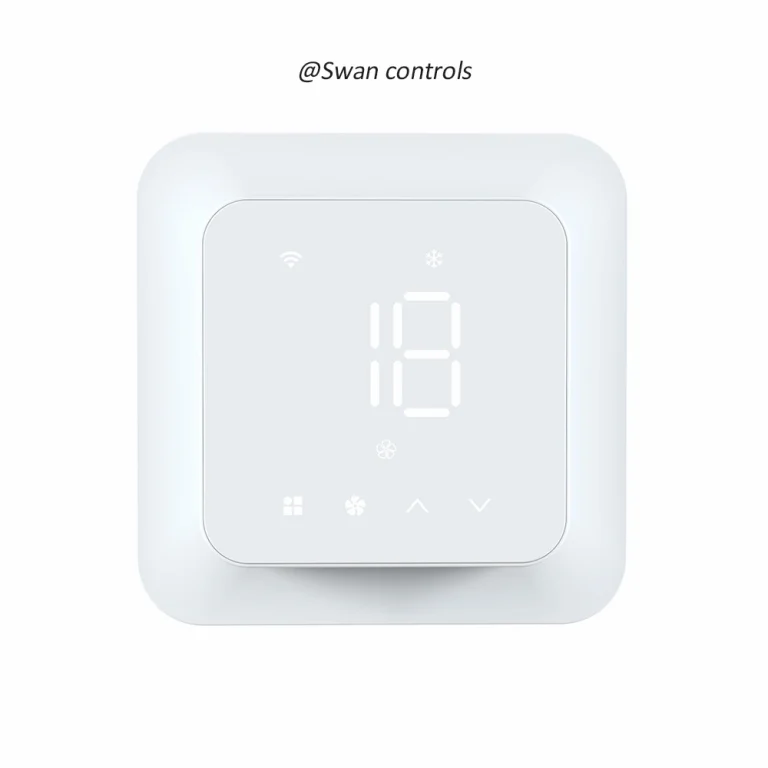
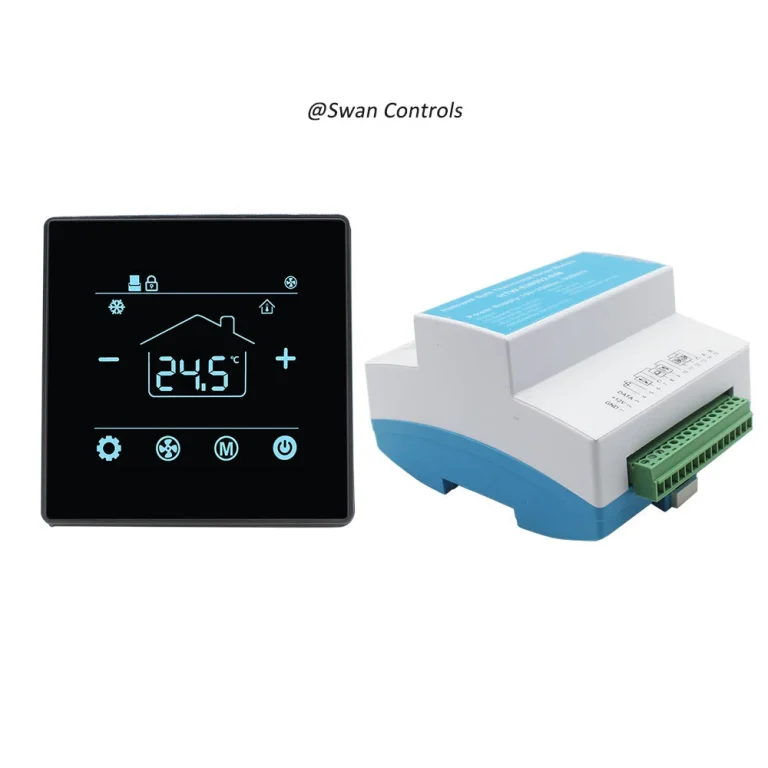
The first price factor is screen design. A larger display, touch panel, glass surface, clearer icons, or special user interface can increase cost. This may be worth paying for in apartments, hotels, retail channels, and visible room installations. It is not necessary for basic projects where users only need simple operation.
The second factor is output type. This is the most important part. A thermostat may control a 3-speed fan, EC fan, on/off valve, electric heating load, water heating valve, boiler dry contact, wireless receiver, or heat pump stages. If the output does not match the system, the product is wrong even if the app looks good.
The third factor is support for other functions. This includes external sensor, floor sensor, keycard input, Modbus, BACnet, private app, special firmware, or BMS + WiFi dual communication. These functions are useful only when the project really needs them.
We should not compare prices only by appearance or by whether the model has WiFi. A wifi thermostat for a simple apartment fan coil unit and a model for hotel BMS control solve different problems. A wifi thermostat with a similar front panel may still have a completely different output design inside.
Ask Better Questions Before Choosing
“Do you have a smart thermostat?” is too broad. It does not specify which system we are trying to control.
A better way is to ask four questions:
- What can the WiFi app actually control?
- Which functions are already standard in this model?
- Which functions require customisation?
- Are those custom functions really necessary for this project?
These questions help us avoid choosing a model that is too simple for the system or too complex for the project. If a room only needs local temperature adjustment, paying extra for app control is unnecessary. If a hotel project uses Modbus or BACnet for central control, adding WiFi may not improve operation. If an OEM buyer is still testing the market, a private app is too early.
A smart thermostat should be selected from the project backwards, not from the feature list forward.
What Can the WiFi App Actually Control?
The app is mainly a user interface. In many models, it can control on/off, target temperature, working mode, fan speed, schedule, and basic setting options. These functions are useful for apartments, light commercial rooms, and home heating systems.
But the app does not decide whether the thermostat supports 2-pipe or 4-pipe control, or whether the fan is a 3-speed or EC fan. It does not turn a simple relay model into a heat pump controller, nor does it make a boiler output compatible unless the dry contact or receiver output is already designed correctly.
External energy programmes show why scheduling and connected control matter. But that does not mean every smart thermostat project needs every smart function. App value should be judged together with the controlled system. A wifi thermostat should be checked by app function and hardware output at the same time.
Fan Coil Thermostat Example
For fan coil systems, the app allows users to adjust temperature, change mode, choose fan speed, turn the unit on or off, and set schedules. But a fan coil thermostat must first match the actual fan and valve: 2-pipe or 4-pipe, 3-speed fan or EC fan, on/off valve or other valve logic, local control or BMS connection.
For a basic 2-pipe fan coil unit, a model such as smart WiFi thermostat for 2-pipe fan coil units is a practical choice when we need 3-speed fan and on/off valve control. For a higher-level project, smart EC fan thermostat with WiFi and Modbus is more suitable when the project needs EC fan control, RS485 Modbus, keycard input, external sensor, and 2-pipe or 4-pipe valve logic.
The mistake is paying for EC fan, Modbus, keycard, and external sensor support when the site only uses a simple 3-speed fan coil unit.
Electric Heating Thermostat Example
For electric underfloor heating, app settings matter less than physical load capacity and sensor support. We must confirm whether the model supports a 16A electric heating load, floor sensors, floor limits, or an external sensor if the installation requires it.
A model such as 16A WiFi electric underfloor heating thermostat is suitable when the project needs direct electric heating output and floor-related control logic. Paying for the right load capacity and sensor support is more important than paying for extra display menus.
Water Heating and Boiler Heating Thermostat Example
Some models support both water heating and boiler heating through different wiring methods, helping distributors cover more applications with one platform. However, the hardware output logic must be verified.
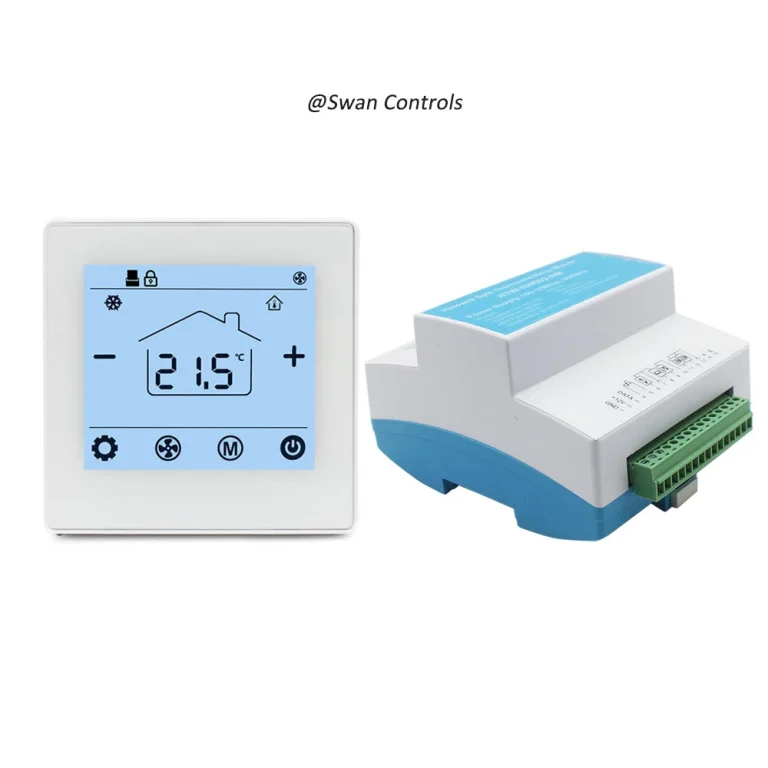
We must confirm whether the model uses 3A relay output, NO/NC/COM terminals, or dry contact logic. For this application, our HTW-WF02RP-3ANV WiFi boiler thermostat for water heating systems can be considered when we want one platform for water heating and boiler heating applications.
Boiler Heating Thermostat Example
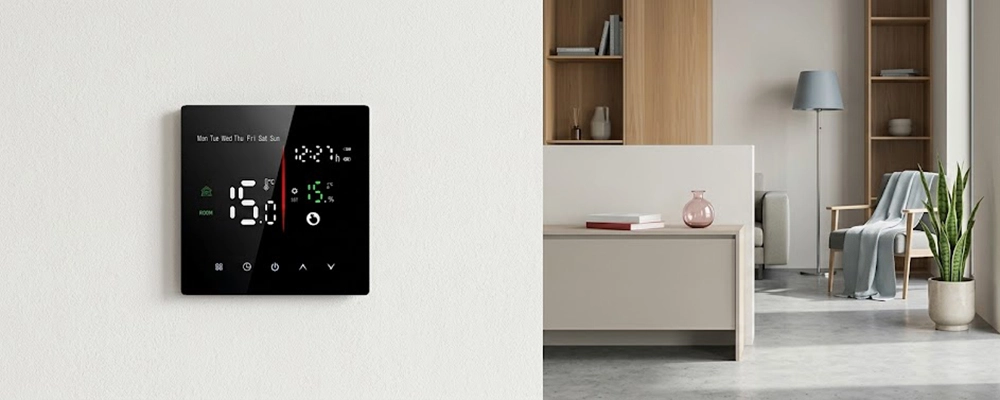
For boiler heating, WiFi is not the main value. The core criteria are dry contact compatibility, receiver output, wired or wireless installation, and boiler compatibility.
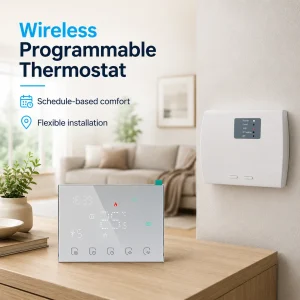
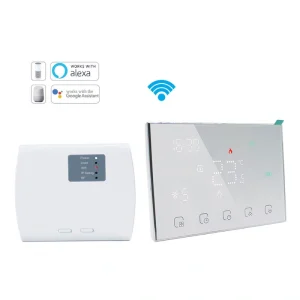
A model such as our Swan Controls HTW-WT13P wireless WiFi boiler thermostat is more suitable when the project needs a room thermostat plus receiver solution. We should focus on whether the receiver output and boiler control logic are correct, rather than just asking if it is a wifi thermostat.
Heat Pump Thermostat Example
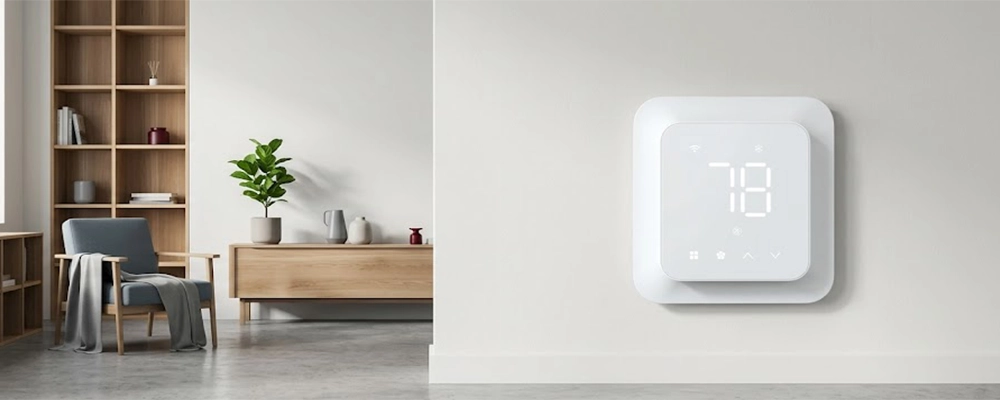
For heat pump systems, the real difference lies in 24V control logic, heating and cooling stages, fan output, reversing valve logic, and auxiliary heating.
A simple heating thermostat cannot become a heat pump thermostat just by adding an app. A model such as our HTW-MT8600 24V smart heat pump thermostat is relevant when the system needs up to 3H2C control for conventional or heat pump applications.
Practical Feature Check Before Paying More
| Project Situation | What the App May Control | What Must Be Confirmed First | What We Should Avoid Paying For |
|---|---|---|---|
| Basic fan coil room | Temperature, mode, fan speed, schedule | 2-pipe or 4-pipe, 3-speed fan or EC fan, valve output | EC fan or BMS functions if the system does not use them |
| Electric underfloor heating | Remote on/off, setpoint, weekly schedule | 16A load, floor sensor, floor limit, external sensor | Complex communication features that do not affect heating control |
| Water heating or boiler heating | Temperature and schedule | 3A relay, NO/NC/COM, dry contact, actuator or boiler matching | App branding before output logic is confirmed |
| Hotel room control | Basic room operation if required | Keycard, external sensor, Modbus or BACnet, local control | WiFi if BMS already covers central control |
| Heat pump system | User interface and scheduling | 24V, stages, fan logic, auxiliary heat, cooling/heating logic | Simple heating models that cannot match the system |
Which Functions Require Customisation, and Are They Necessary?
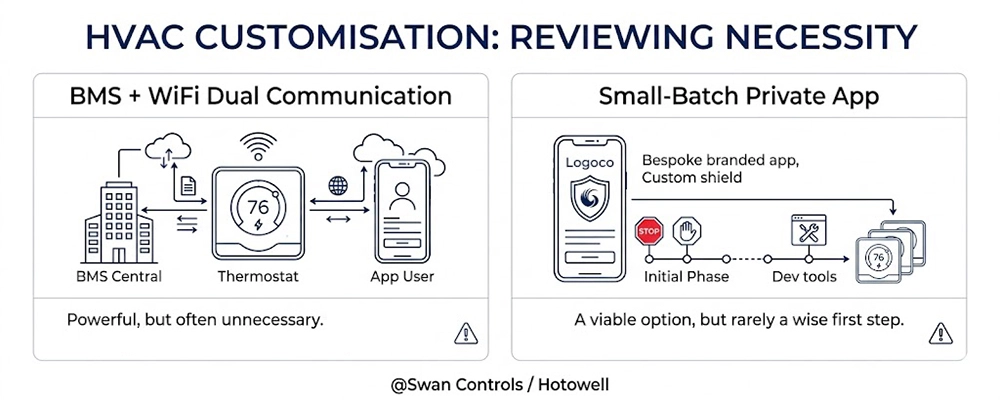
At Swan Controls (an affiliate of Hotowell), we offer deeper technical customisation, such as private apps, special firmware, dual communication, or new control logic.
But for most thermostat projects, the safest starting point is a mature product platform with clear standard functions. After that, we can adjust the commercial layer, such as logo, label, packaging, manual, model code, and default parameters. This reduces early risk, shortens sampling time, and makes repeat orders easier.
BMS + WiFi Dual Communication
BMS + WiFi can be useful in some projects, but it should not be treated as a default requirement.
For hotels, offices, and commercial buildings, Modbus or BACnet already satisfies central control needs. BACnet is a global data communication protocol standard for building automation and control networks, and Modbus supports communication architectures for distributed automation systems.
BMS projects need stable centralized control, not individual phone app control. If the BMS can already monitor and manage room temperature, mode, status, and energy-saving logic, adding WiFi creates unnecessary setup work, app account questions, and user training. When BMS is the main control layer, choose Modbus or BACnet first. Add WiFi only when there is a clear app-use scenario.
Small-Batch Private App
A private app is possible, but it is rarely a good first step.
For small-batch OEM projects, private app development requires UI design, cloud support, testing, version updates, long-term maintenance, privacy documents, and after-sales training. If the target market is not proven yet, the app consumes budget before the product itself is validated.
The better route is to start with a standard app and a mature hardware platform. We can customise the logo, label, manual, packaging, and default parameters. After market feedback stabilizes, deeper app customisation becomes easier to justify.
Common Overpaying Mistakes
Paying for WiFi When the Project Only Needs Local Control
If users operate the thermostat directly and no remote access is needed, a local programmable model is enough. Paying more for a smart thermostat adds zero practical value.
Paying for BMS + WiFi Together When One Is Enough
If Modbus or BACnet already handles central management, individual app control adds unnecessary cost and configuration confusion. Confirm who will use the app before adding both.
Paying for a Private App Before Testing the Standard App
A private app is rarely the best first step for small orders. A standard app allows us to test the hardware platform, installation process, and market response first.
Paying for Too Many Display and Menu Functions
Deep menus often confuse installers and guests. For most room thermostat projects, a clear display and simple menu are much more valuable than a complicated interface.
How Different Buyers Can Control the Budget
Distributor
For distributors, the best option is a mature standard model with clear function boundaries. For smart thermostat wholesale sales, a stable thermostat with clear wiring, common voltage, suitable output, and simple operation is often easier to sell repeatedly.
OEM Buyer
For OEM buyers, the first step should be platform selection, not deep customisation. Logo, label, packaging, manual, model code, and default parameters are enough for the first stage. Private apps or special firmware should come after order volume stabilizes.
For overseas OEM projects, function and price should be checked alongside compliance documents. EU guidance explains that RoHS restricts hazardous substances in electrical and electronic equipment, so importers should confirm required documents rather than looking only at app functions.
Project Buyer
For project buyers, the system comes first. Before deciding on WiFi, confirm the power supply, controlled system, output type, fan type, valve type, sensor position, wiring method, and whether centralized control is required.
For apartment projects, a wifi thermostat is worth choosing when users need schedule control and remote adjustment. For hotel projects, Modbus or BACnet is more practical if central management is the main requirement.
Budget Control Guide by Buyer Type
| Buyer Type | Better Starting Point | Good Upgrade | Risky Upgrade |
|---|---|---|---|
| Distributor | Standard model with clear wiring and common functions | WiFi version for retail or apartment demand | Too many models with similar features |
| OEM buyer | Mature platform with logo, label, manual, and default settings | Private app after market testing and repeat orders | Private app from the first small batch |
| Apartment project buyer | App control, schedule, simple user operation | Better screen or sensor support if needed | BMS functions with no central system |
| Hotel project buyer | Keycard, external sensor, BMS communication, stable local control | WiFi only if there is a real app-use plan | Adding WiFi only for the word “smart” |
| Heat pump project buyer | 24V, stages, fan logic, auxiliary heating | App control after system matching | Using a basic heating thermostat |
Practical Cases
Case 1: Apartment or Light Commercial Buyer Choosing WiFi Correctly
An apartment project needs room-level control. Tenants want to adjust temperature from their phones, set weekly schedules, and turn the system off when away. The fan coil system is simple, using 3-speed fan and on/off valve control.
Here, WiFi brings clear value. The right choice is a wifi thermostat that matches the fan coil output and gives users simple, practical app control without extra cost.
Case 2: Hotel or BMS Project Avoiding Unnecessary WiFi Cost
A hotel project needs central monitoring, room energy savings, and stable control from the building management system. Guests are not expected to use a phone app. The project requires keycard input, external sensor, and communication with BMS.
In this case, Modbus or BACnet should be confirmed first. WiFi can be added if the hotel has a clear operation plan, but it should never be selected just because it sounds advanced.
FAQ
1. Is a smart thermostat always worth the higher price?
No. A smart thermostat is worth the higher price when remote control, scheduling, or app operation solves a real project need. If the room only needs simple local temperature control, a standard room thermostat is more cost-effective.
2. What should we check before choosing a wifi thermostat?
We should check the controlled system, power supply, output type, fan type, valve type, sensor requirement, wiring method, and app control scope. The app is useful only when the thermostat hardware already matches the system.
3. Is a private app necessary for OEM thermostat projects?
Usually not at the beginning. For most OEM thermostat projects, it is safer to start with a mature platform, standard app, logo, label, manual, packaging, and default parameters. A private app is more suitable after market testing and stable volume.
4. Should hotel thermostat projects choose WiFi or BMS communication?
Hotel projects should usually confirm BMS communication first if central control is required. Modbus or BACnet is more useful than WiFi when the hotel needs room monitoring, energy-saving control, and building-level management.
5. Why do two similar thermostats have different prices?
Two thermostats may look similar, but the price differs because of screen design, output type, and support for other functions. One model may only support basic control, while another supports EC fan, keycard, external sensor, Modbus, dry contact, 16A output, or heat pump stages.
Final Note
Choosing a thermostat without overpaying is not about choosing the cheapest model. It is about avoiding the wrong expensive model.
If the project needs app control, schedule, and remote adjustment, a wifi thermostat can be a practical choice. If the project needs hotel or office central control, Modbus or BACnet may be more important. If the project uses electric heating, boiler heating, fan coil units, or heat pump systems, the output type and wiring logic must be checked before the app.
For distributors, OEM buyers, and project contractors, the best question is not “How smart is this thermostat?” The better question is “Which functions will this project actually use?” As a smart thermostat manufacturer and supplier, Swan Controls (an affiliate of Hotowell) can help match the right product platform, standard function, and customisation scope so that the final choice supports both installation and long-term sales.
References
ENERGY STAR. Smart Thermostats.
ENERGY STAR. Smart Home Tips: Smart Thermostats.
BACnet.org. About the BACnet Standard.
BACnet International. Building Automation and Control Network.
Modbus Organisation. Modbus protocol resources and organisation information.
European Commission. RoHS Directive: Restriction of Hazardous Substances in Electrical and Electronic Equipment.
Copyright © Swan Controls / Hotowell. All rights reserved. This article is written and published by Swan Controls (an affiliate of Hotowell). Reproduction, redistribution, or commercial use without permission is not allowed.